


Accessories01

YOUR AI CREATIVE STUDIO
Great ideas.
Made yours.
Turn references and product photos into original images and videos. Create, remix, and refine in one workspace.
START CREATING Explore creative examplesIMAGINE CREATE REMIX
One idea.
Four ways to create.
Start with a prompt, a product photo, or a reference video.
Choose your workflow and make it your own.
 01Describe it. See it.
AI Images
Create images from a prompt or reshape a reference photo.
Create an image 02Put ideas in motion.
AI Videos
Turn a prompt or a starting image into a new video.
Create a video 03Give it your own twist.
Video Remix
Start with a reference video. Add your product and direction.
Remix a reference 04Make your product shine.
Product Studio
Remove backgrounds, create scenes, and refine product photos.
Style your product
PRODUCT CREATIVE
Your product.
Open Product Studio
Your product.
A new point of view.
Start with a product photo. Remove the background, explore a new setting, and refine the details. Then take your image into video creation.
Clean cutouts
Remove the background or choose a solid colour.
New scenes
Describe a setting or use a scene reference.
Finishing touches
Edit details, add shadows, and upscale your image.
Ready for motion
Use your image in a reference-video remix.
ONE PRODUCT, THREE DIRECTIONS
 Clean cutout
 A new setting
 A closer look
YOUR DIRECTION
“Soft light. A warmer setting.”
Creative Direction
Start with the product. Explore a new direction.
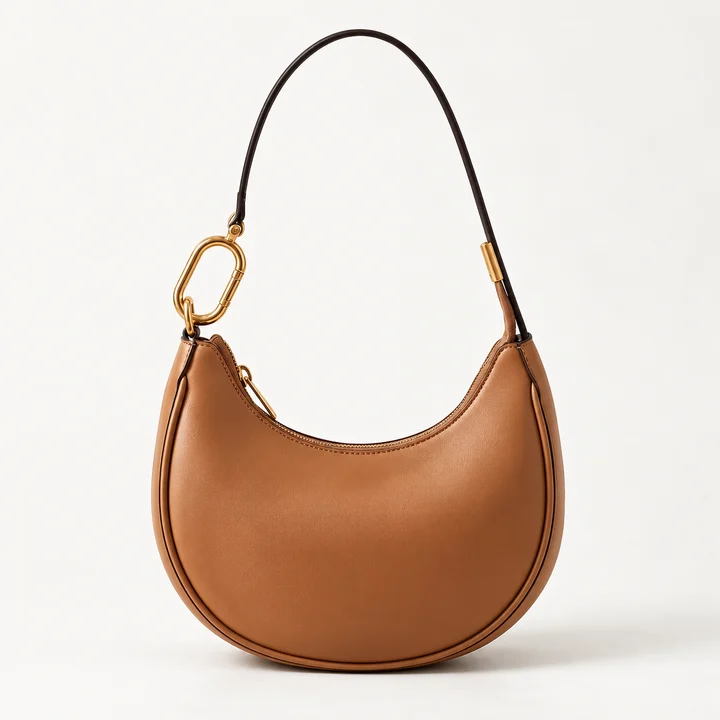
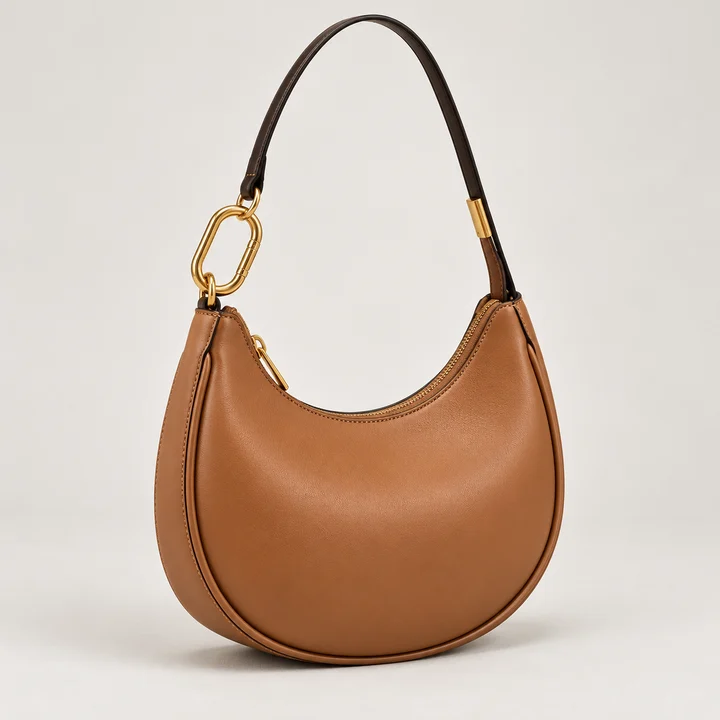
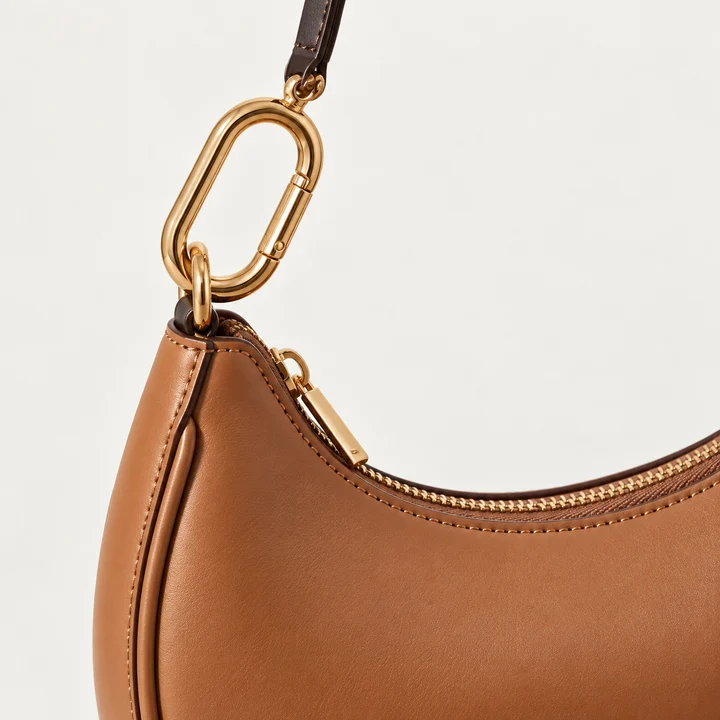
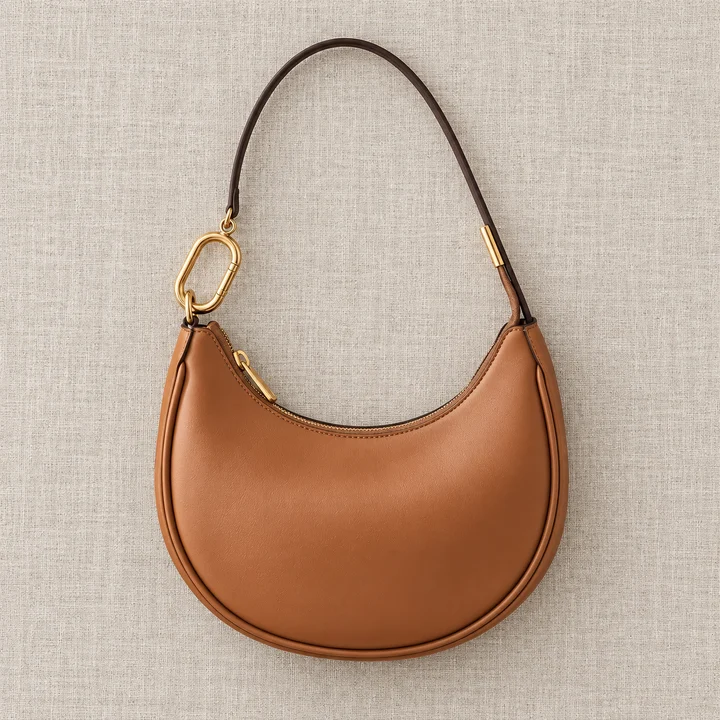
VS
 TrendRemix
New scenes for your product. Make the look your own.

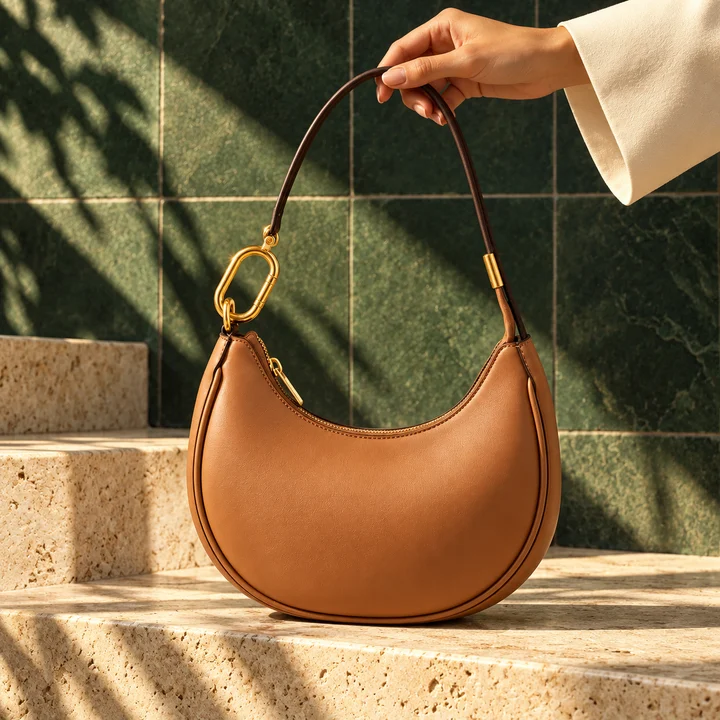
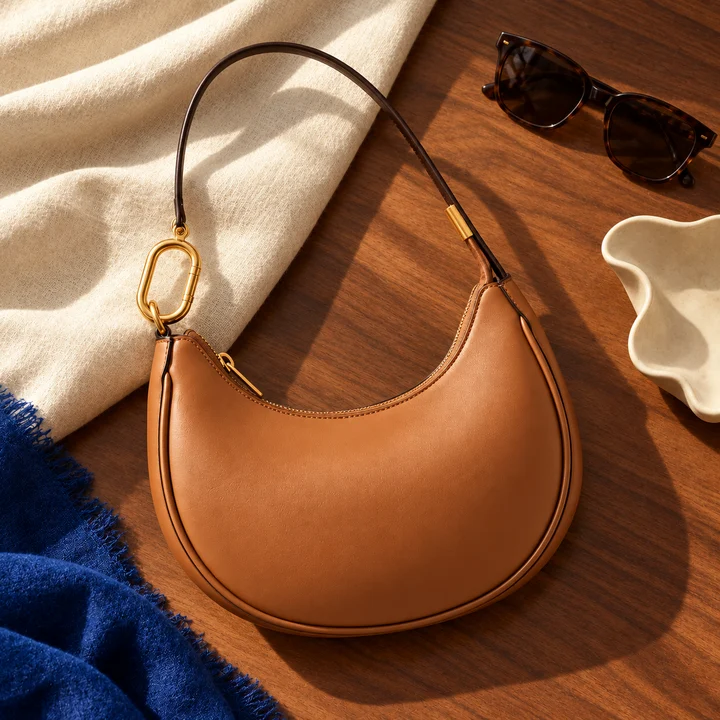
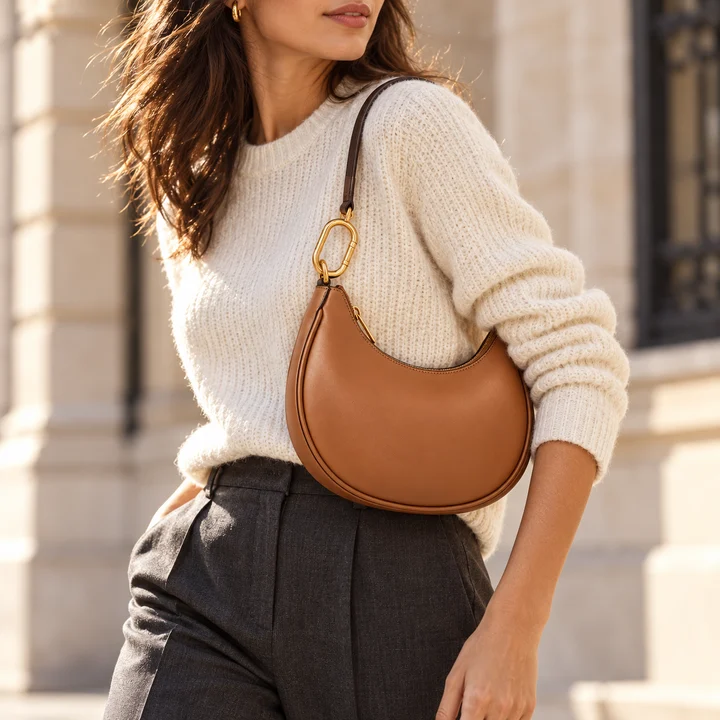
Illustrative creative directions · Shape your own with product photos, references, and prompts.
Workflow
From a reference to your own creative.
Bring a visual you love, add your product photo, and create a new image with your own direction.
1Choose a reference

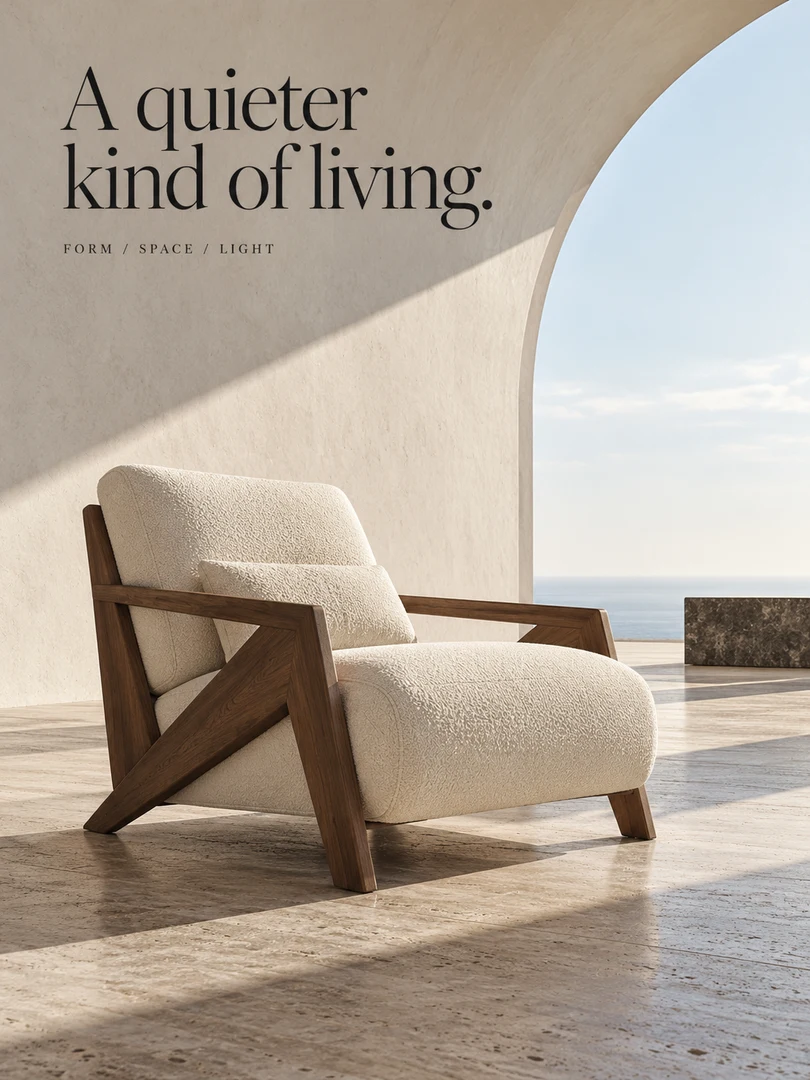
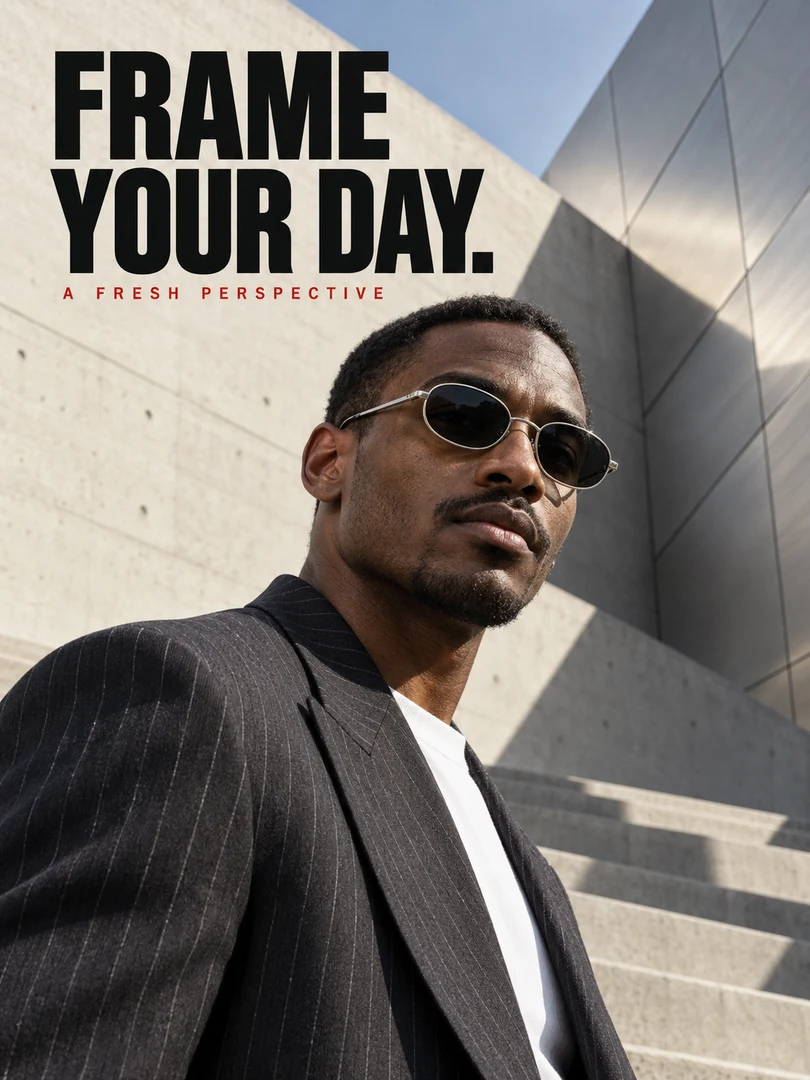
Reference
Choose a reference for its mood, composition, or visual style.
2Add your product
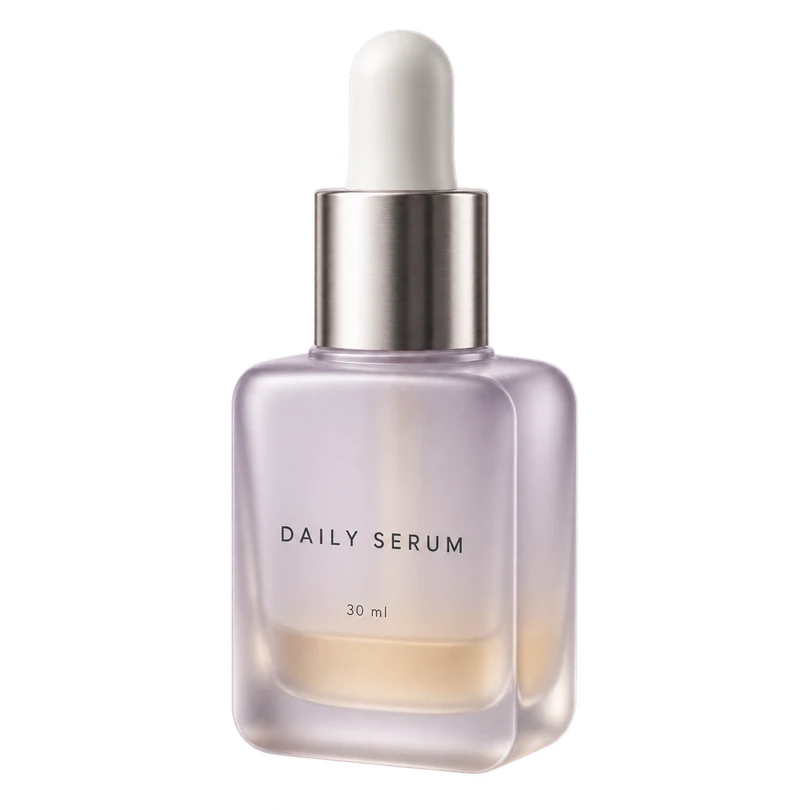
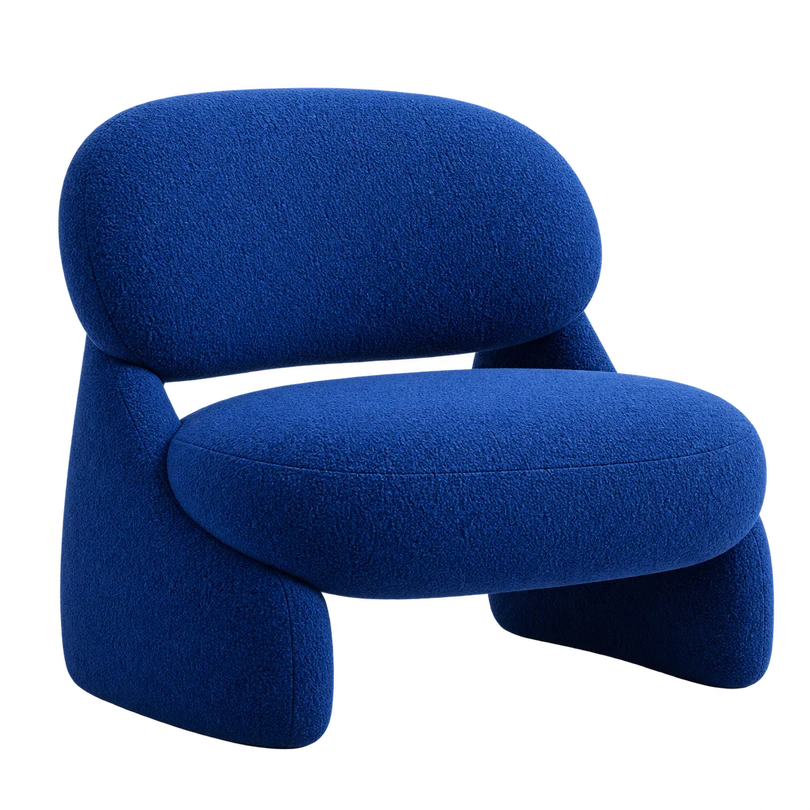
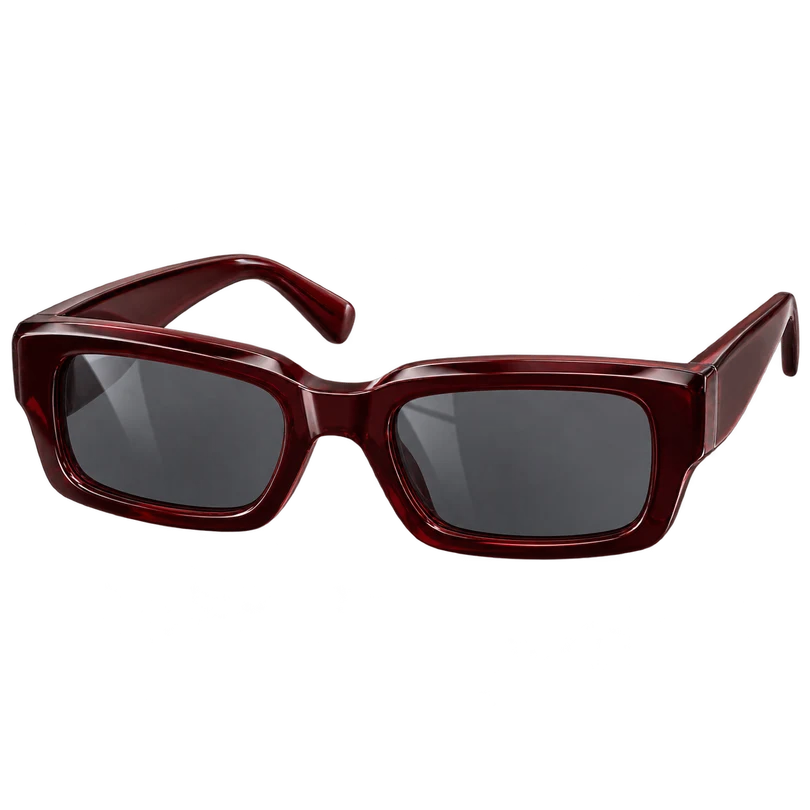
Upload a clear product photo and describe your idea.
3Create your version
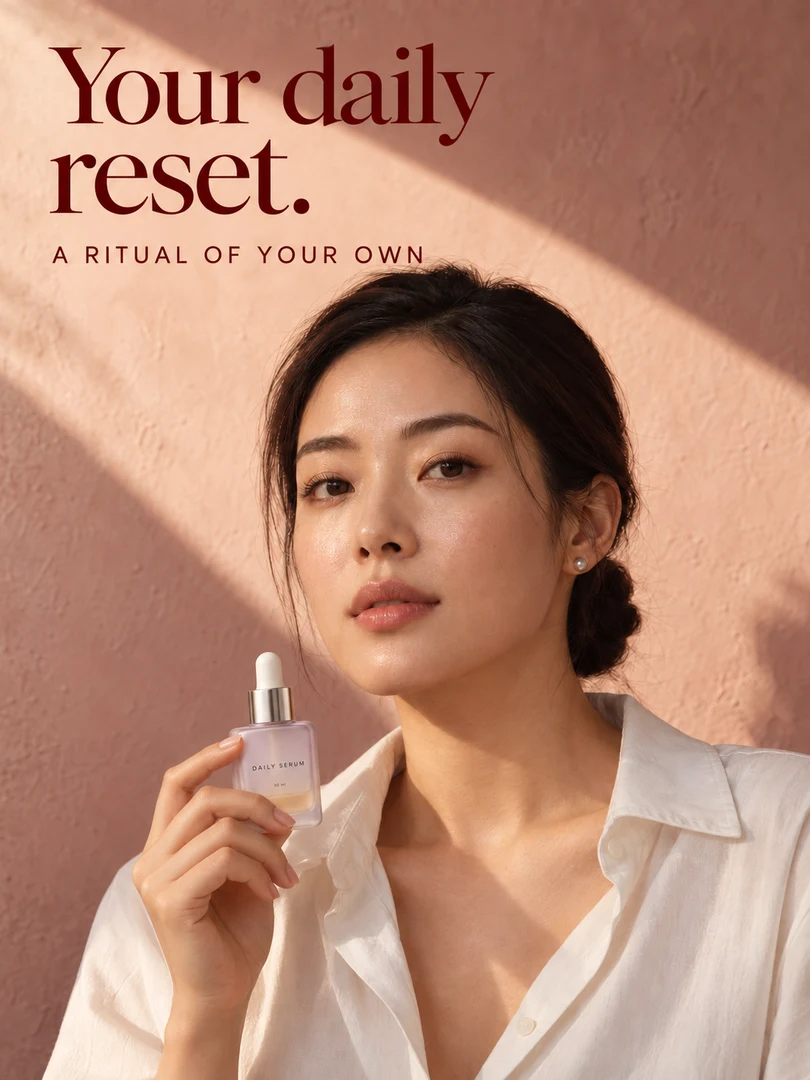
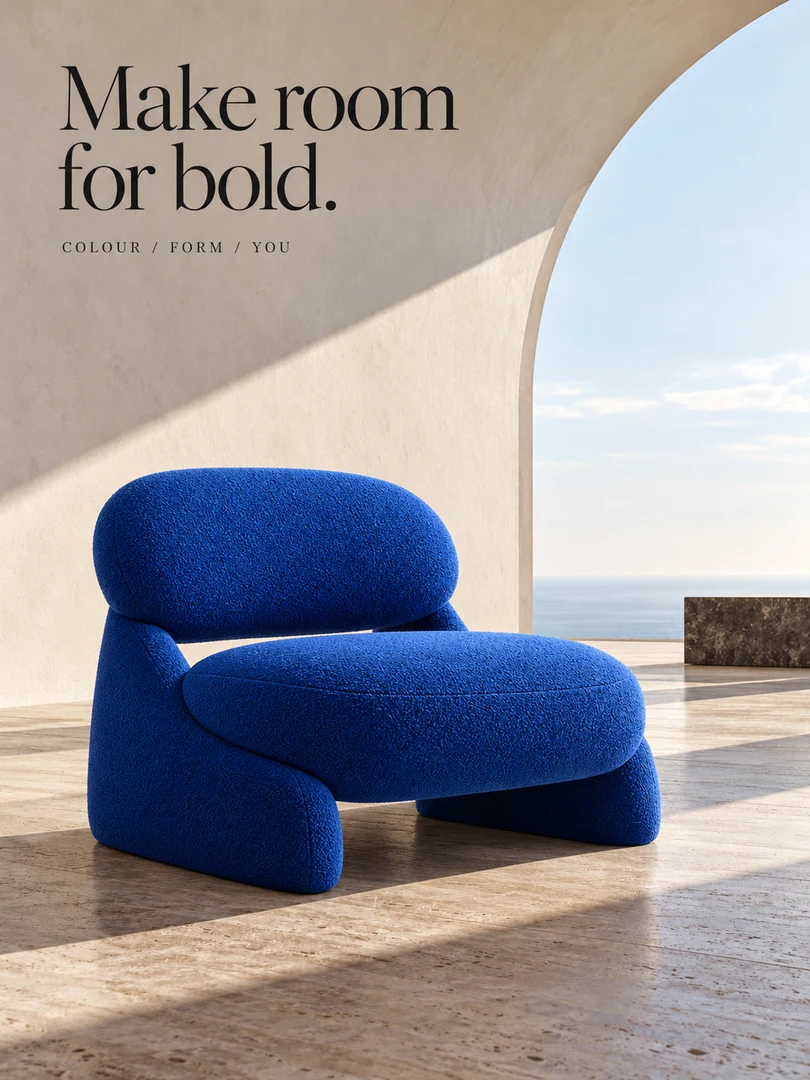
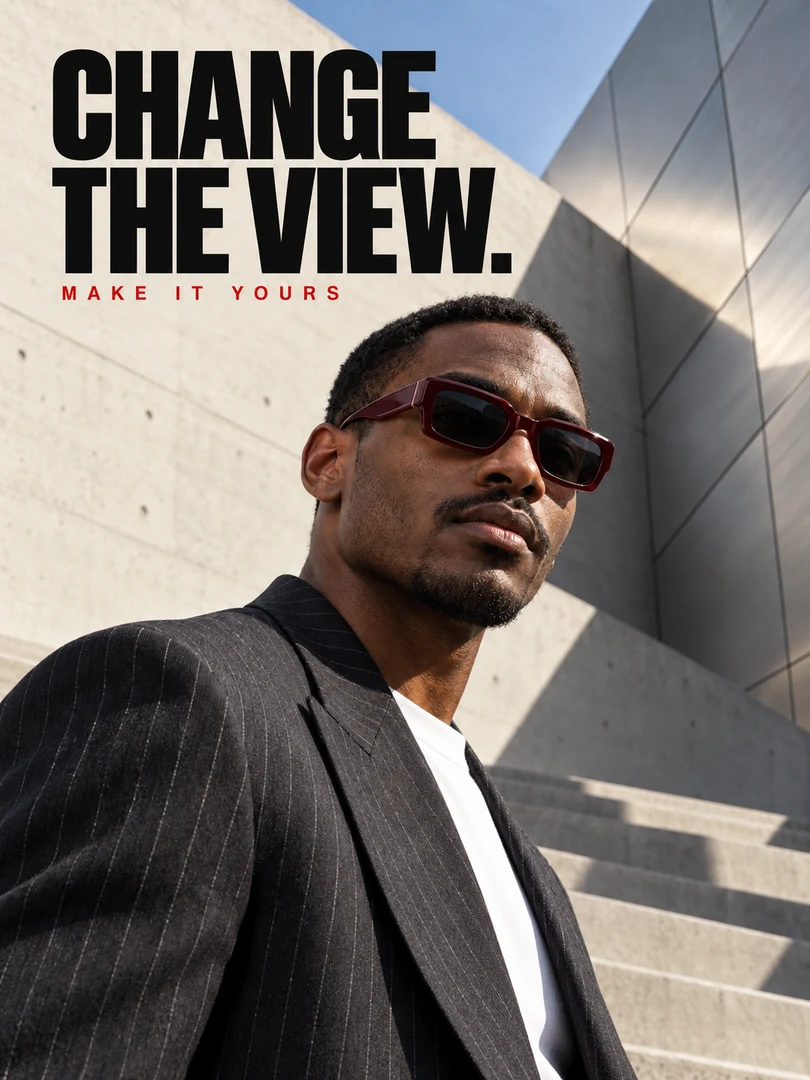
Creative
Generate a new image, then refine the details in Product Studio.
Illustrative workflow · Choose a product above to explore each direction.
Creative inspiration across every industry.
Explore 43 creative samples across beauty, fashion, consumer tech, home, fitness, and more. Find a direction you love, then adapt it to your product.
Asset Library
Your creative, ready for the next idea.
Organize your images, videos, and audio in one place, ready to use across your projects.


Keep the references you love and the product photos you need. Find them by project, then bring them into your next creation.
Open asset library
Images · Videos · Audio
Creative Analysis
See the idea behind the creative.
Break down a reference into its story, shots, and sound. Then shape a new direction for your own product.
Audio
Timeline
Visuals
Story
Framing
Copy
Hook
Prompts
From reference to creative direction.
Explore the strategy, scenes, and sound in your reference. Turn the details into a plan you can make your own.
Analyze a referenceBreak it down.
Make it your own.
Strategy
Creative strategy
Understand the opening hook, story, and product angle.
Shots
Shot-by-shot detail
Explore scenes, camera direction, and timing.
Audio
Sound & dialogue
Follow the voice, music, and on-screen copy.
Prompts
Prompts to create
Adapt the reference into your own script and prompts.
Opening hook
Attention
How the reference opens
Visual structure
Framing
Composition, subject, and light
Sound & voice
Audio
Dialogue, music, and delivery
Shot sequence
Timeline
Scenes and camera direction
Subject & scene
Visuals
The details in every frame
Copy & captions
Text
What is said and shown
Creative strategy
Story
The structure behind the idea
Remake prompts
Create
A starting point for your version
Audio
Timeline
Visuals
Story
Framing
Copy
Hook
Prompts

01 / REFERENCE
A SENSORY OPENINGThe morning
The morning
is yours.
Warm light.A slower rhythm.
Creative breakdown
See the hook, mood, and visual language behind a reference.

02 / SEQUENCE00:12
00:03 — 00:07THE RITUAL
Let the moment unfold.
Close-upSlow pourReveal
Natural sound. Unhurried pace.
Every shot, in context
Follow the camera, timing, and sound through every scene.

03 / YOUR DIRECTION
KEEP THE FEELING. CHANGE THE STORY.A ritual,
A ritual,
reimagined.
“Your product. Soft morning light.
A new beginning, one cup at a time.”
Your next direction
Shape the reference into your own script and creative direction.
Illustrative creative analysis · From a reference to your own direction.
A studio for every idea.Create in your own way.
Images, videos, product scenes, and new takes on your references. Find the right starting point, then bring it all together on your canvas.
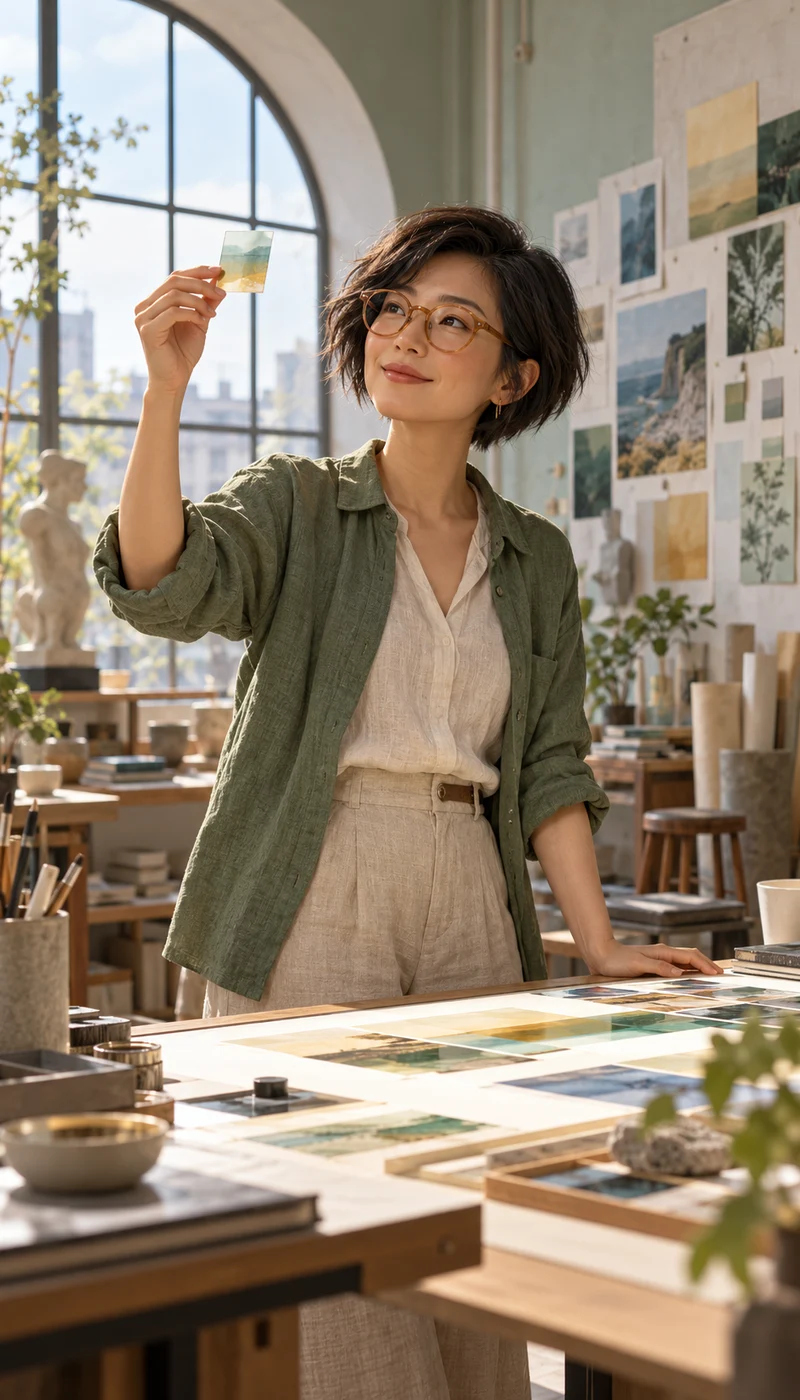
Image Studio
Turn a prompt or reference into an image. Explore the look until it feels like you.
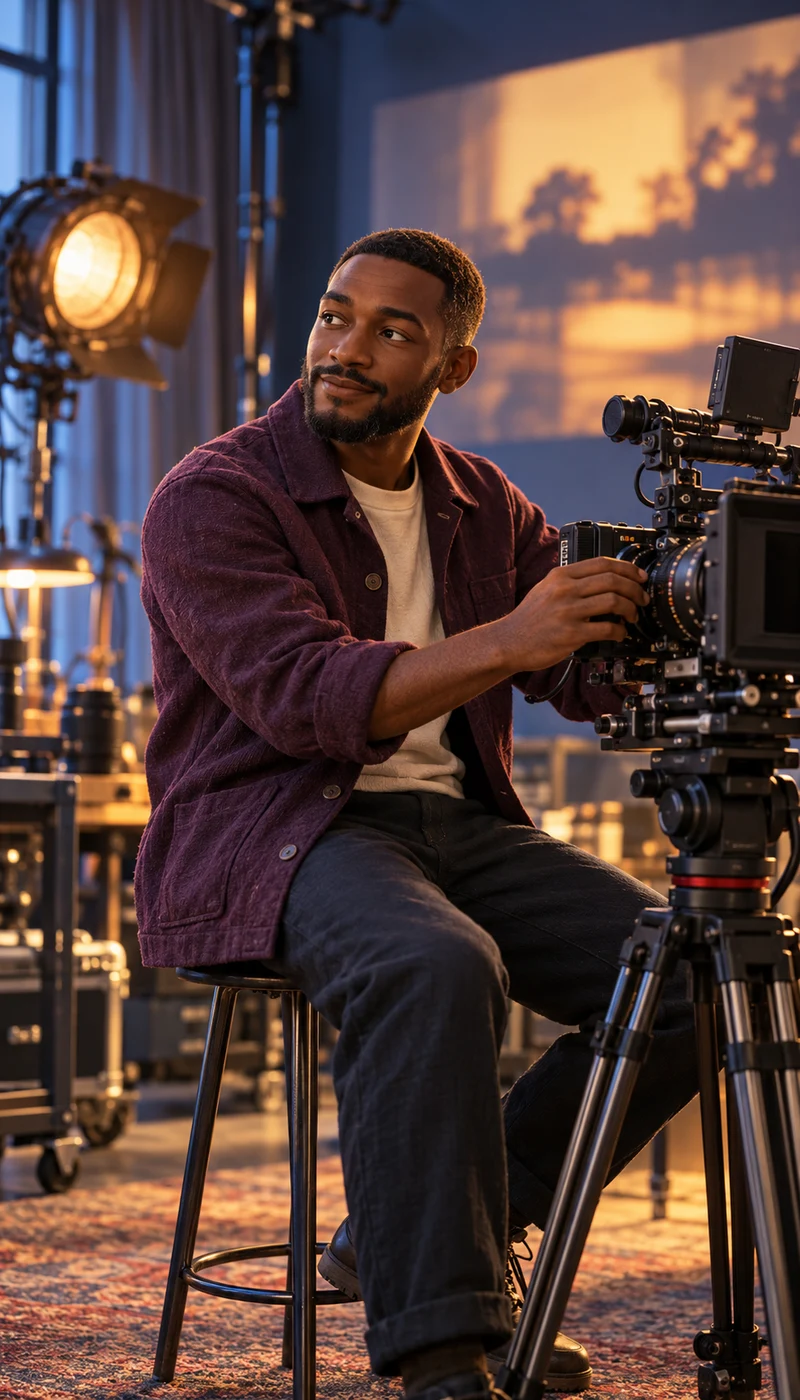
Video Studio
Bring an image or an idea into motion, with a new scene and a rhythm of its own.
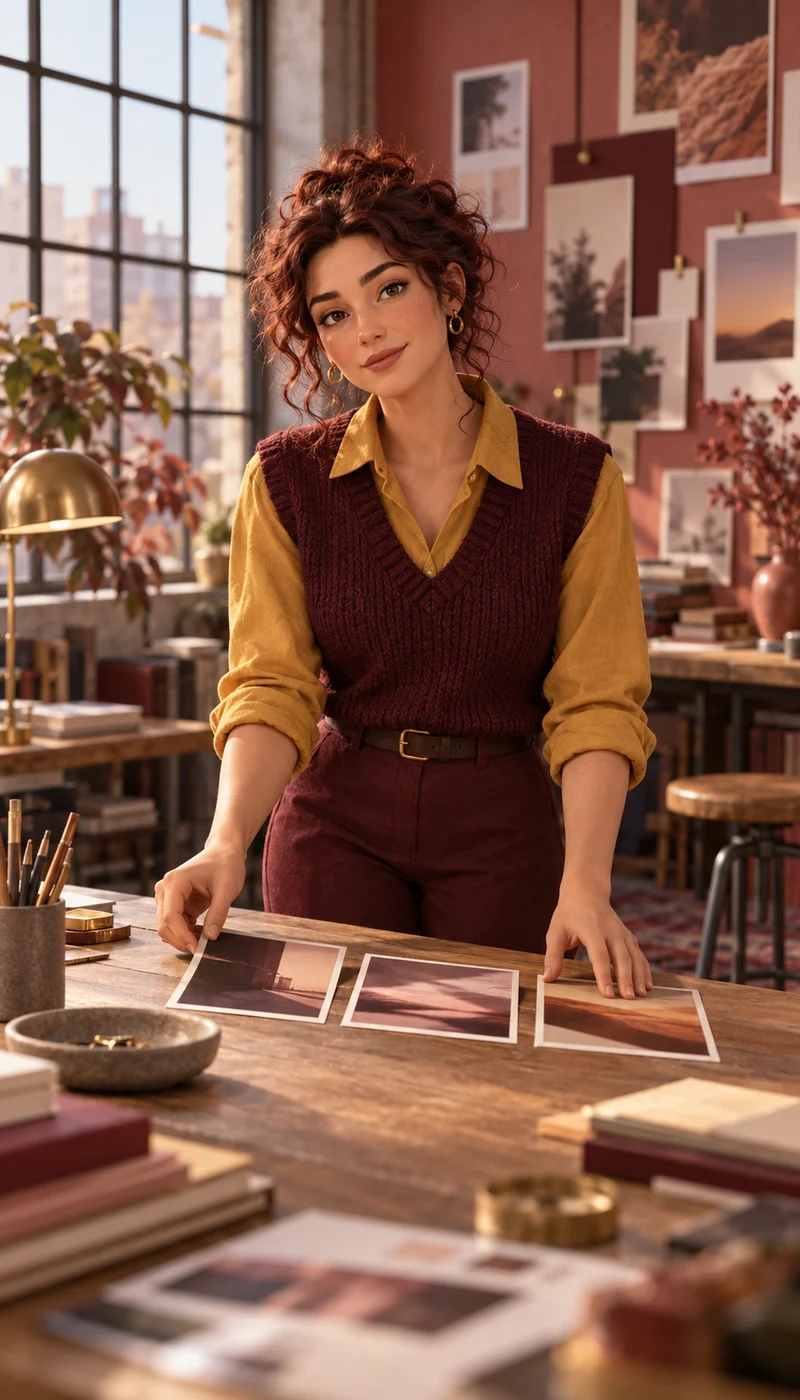
Remix Studio
Start with a reference video. Change the product, story, or setting to make your version.
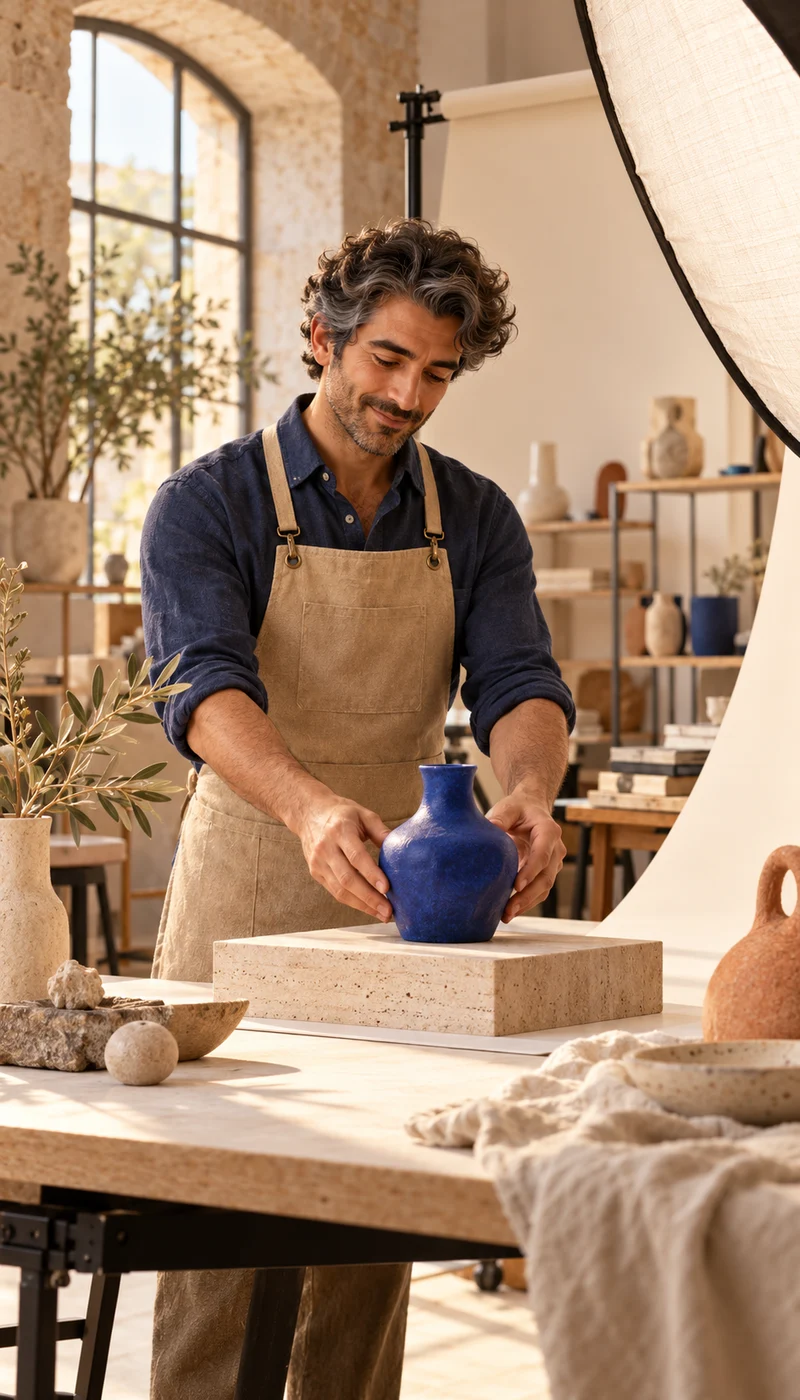
Product Studio
Give your product a fresh setting. Refine backgrounds, details, and presentation.

Creative Canvas
Connect references, prompts, and results. Develop the whole idea in one place.
Bring your product and a reference .Shape the image. Set it in motion. Make it yours.
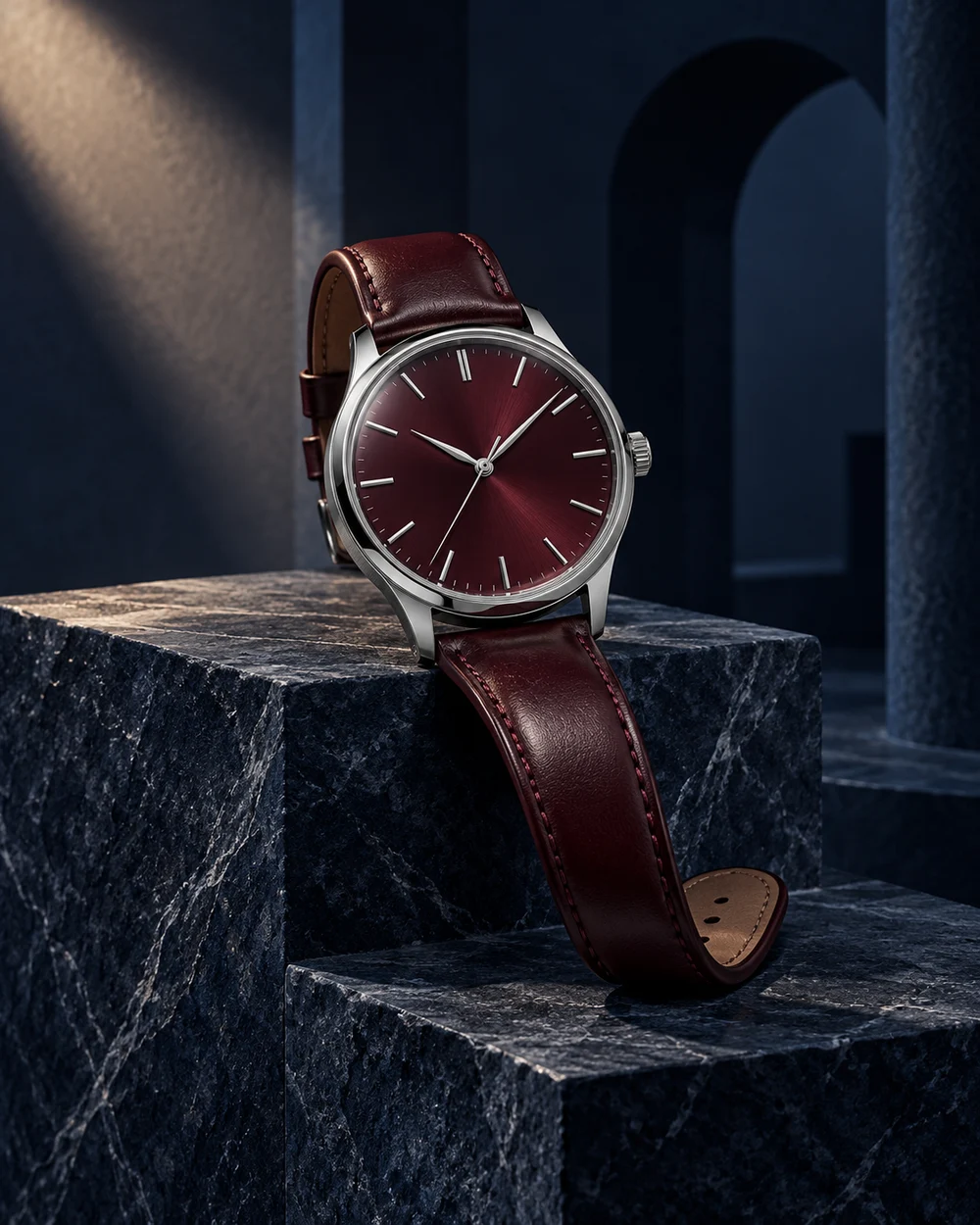

Your product, in a new light.
Change the setting, refine the details, and give your product a new point of view.
Open Product Studio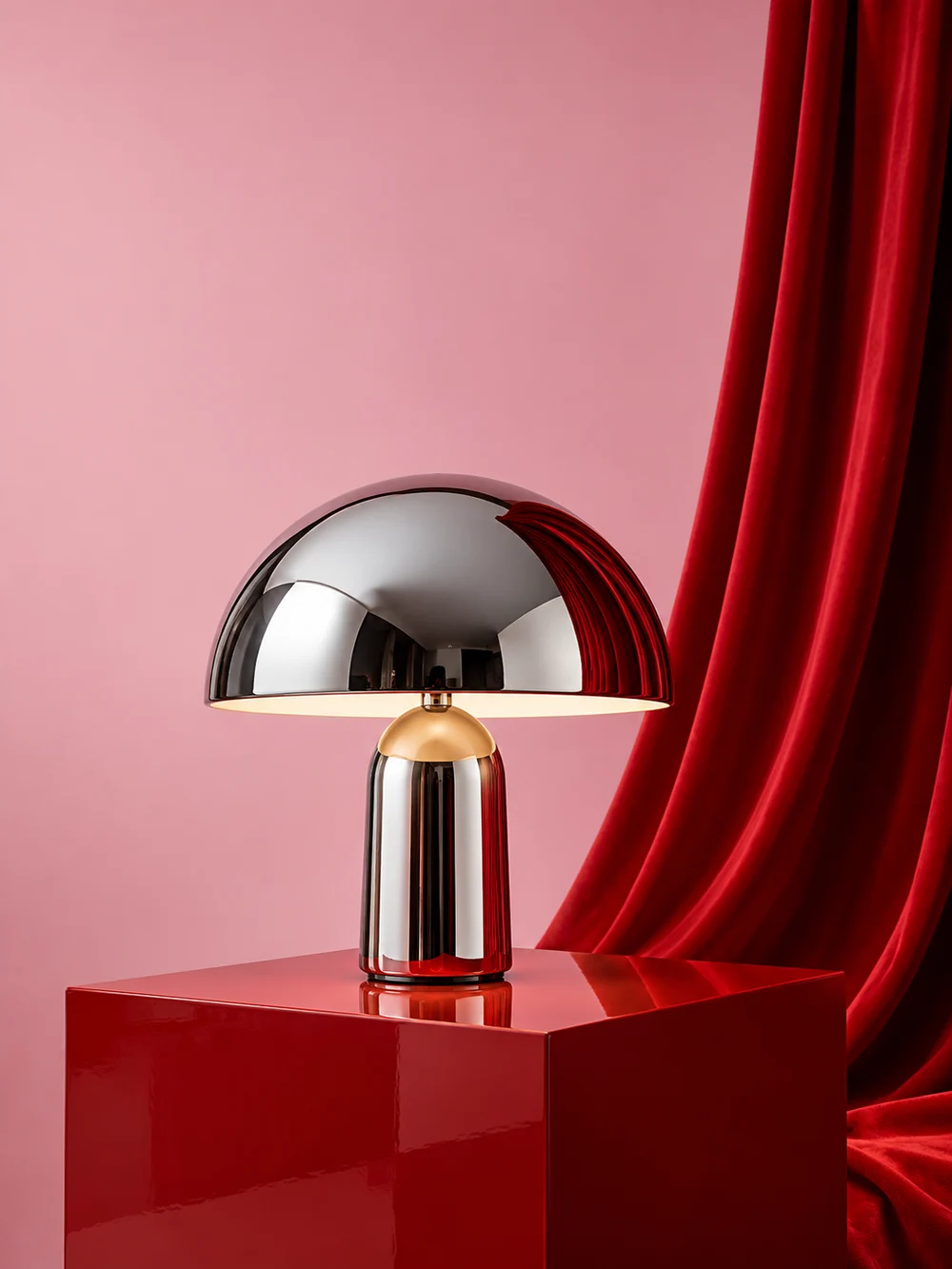
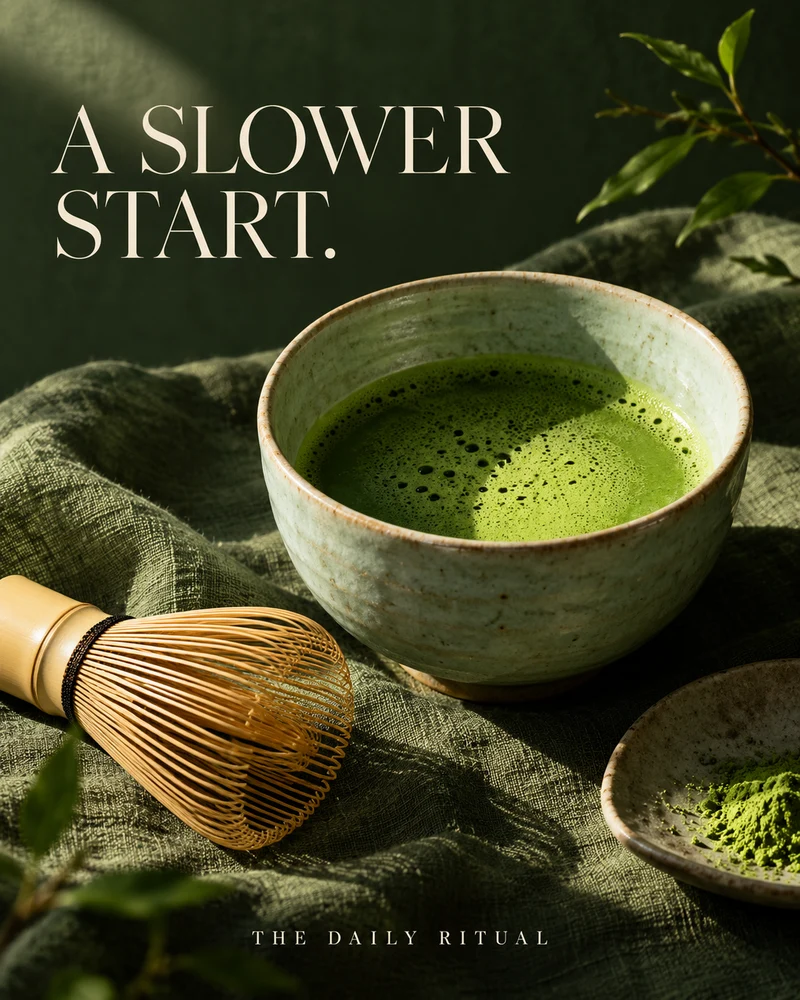

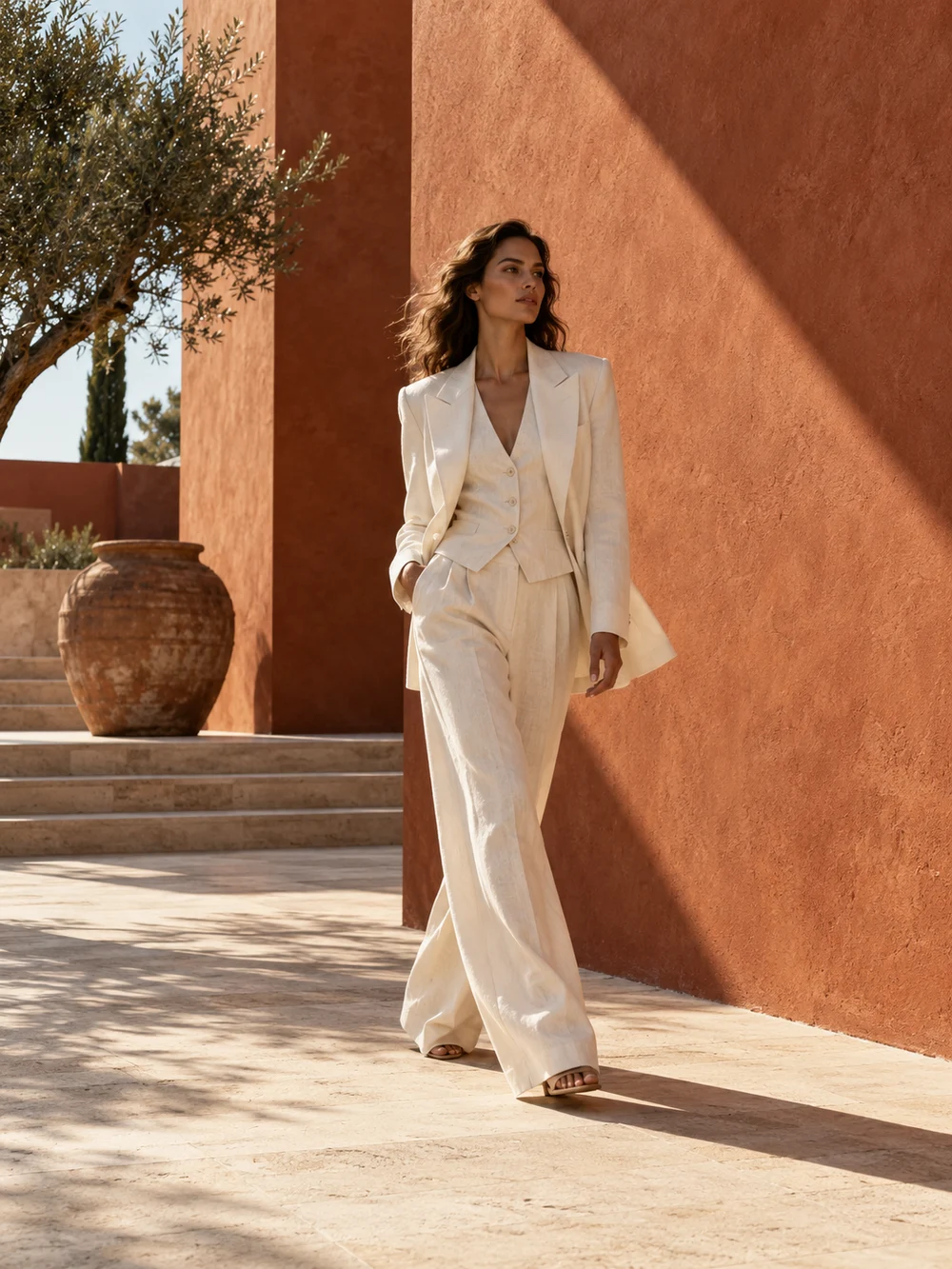
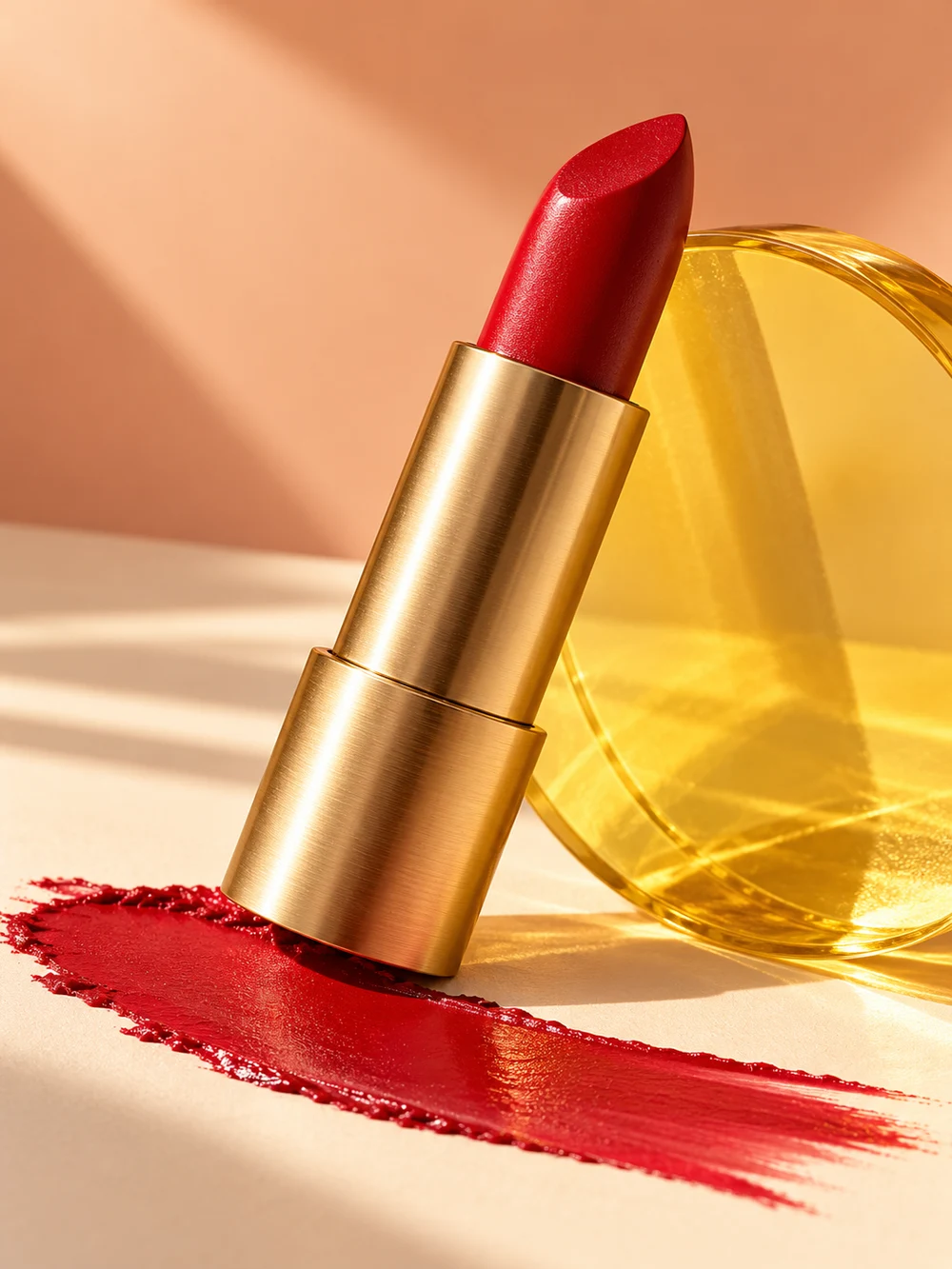
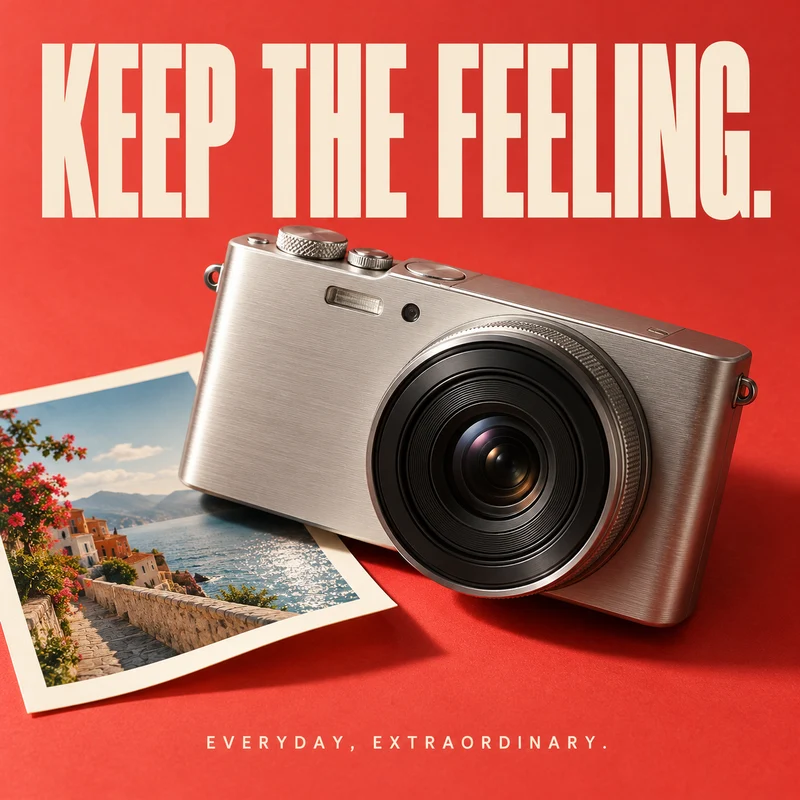


Explore a different look.
Start with a prompt or a reference. Explore images in the style, framing, and mood you have in mind.
Open Image StudioReimagine a reference.
Bring a reference video and your brief. Shape a new version around your product and story.
Open Remix Studio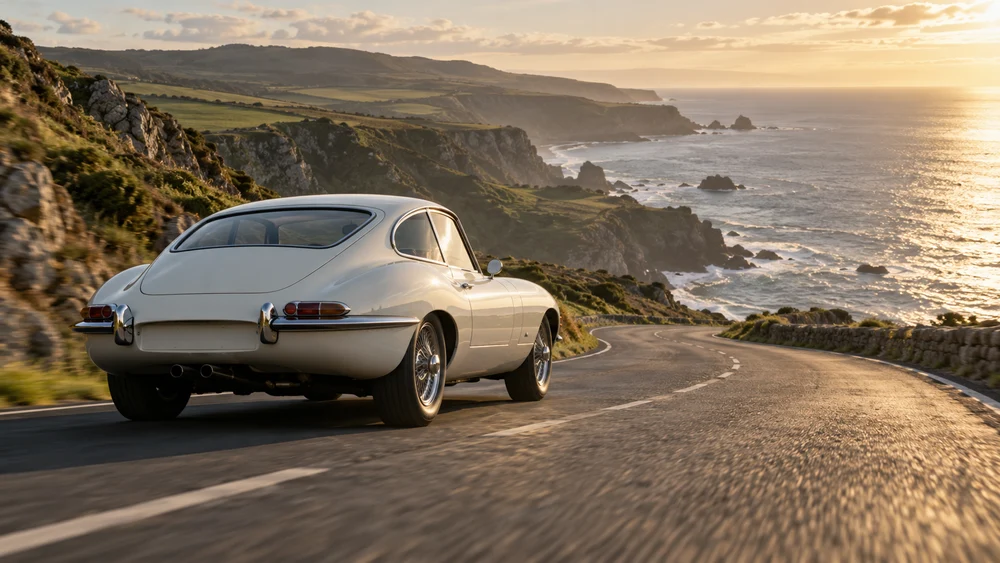
Give your idea motion.
Turn a prompt or image into video. Choose your model and shape the scene you want to create.
Open Video StudioConnect the whole idea.
Arrange references, prompts, and results on your canvas. Keep developing your next direction.
Open Creative CanvasIllustrative creative directions · Explore each tool to create your own.
Your ideas, taking shape. AI creates.You choose what comes next.
Generate images and videos from your prompts and references. Preview your results, download the ones you love, and start your next creative direction.
View your creations
Your reference, ready to explore
A new scene is taking shape
- View
Your new image is ready
Your video is ready to watch
Revisit your favourite creations
Illustrative activity · Create, preview, and keep exploring.
One product photo. More ways to tell your story.Explore new scenes, fresh angles, and your own creative direction.
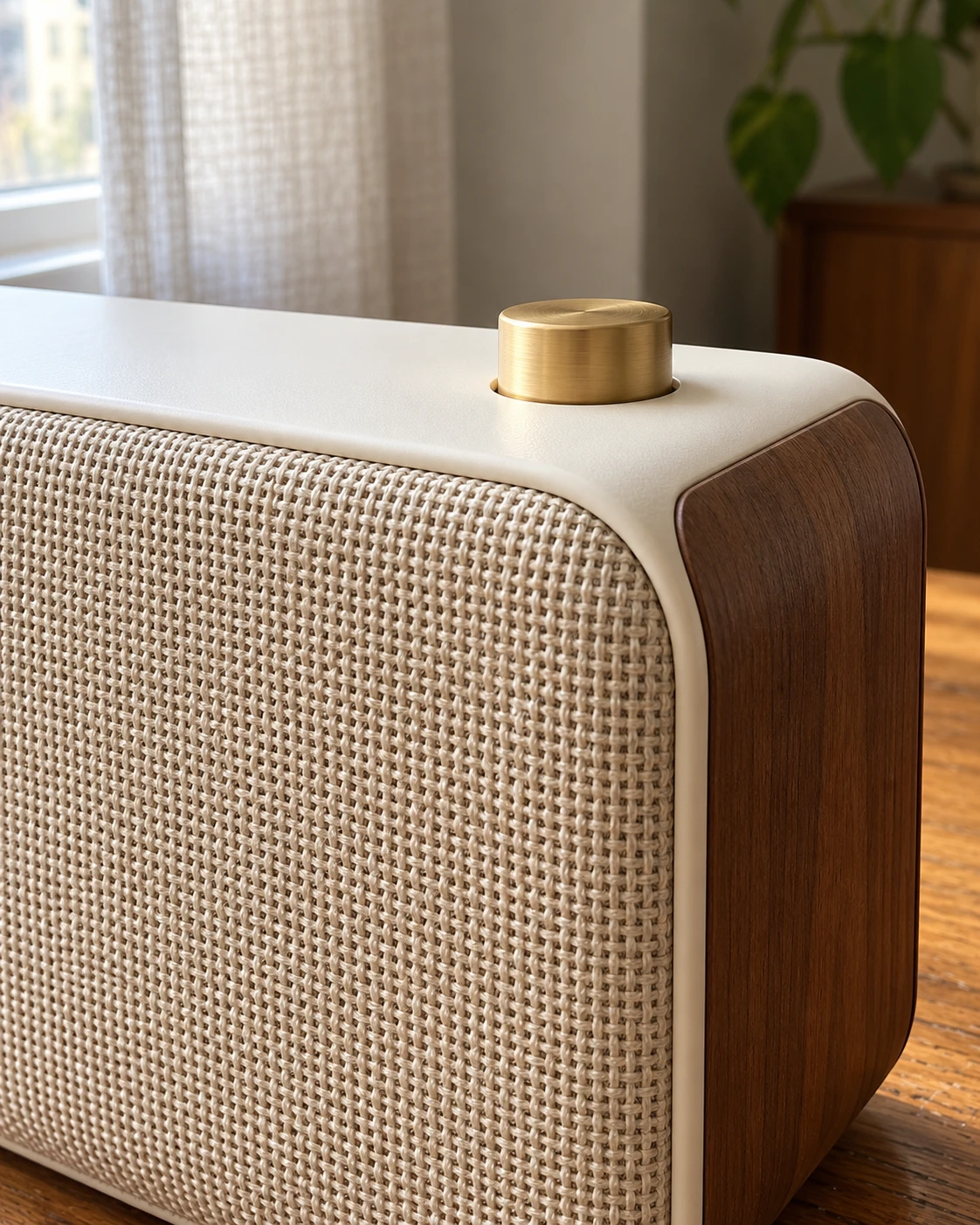
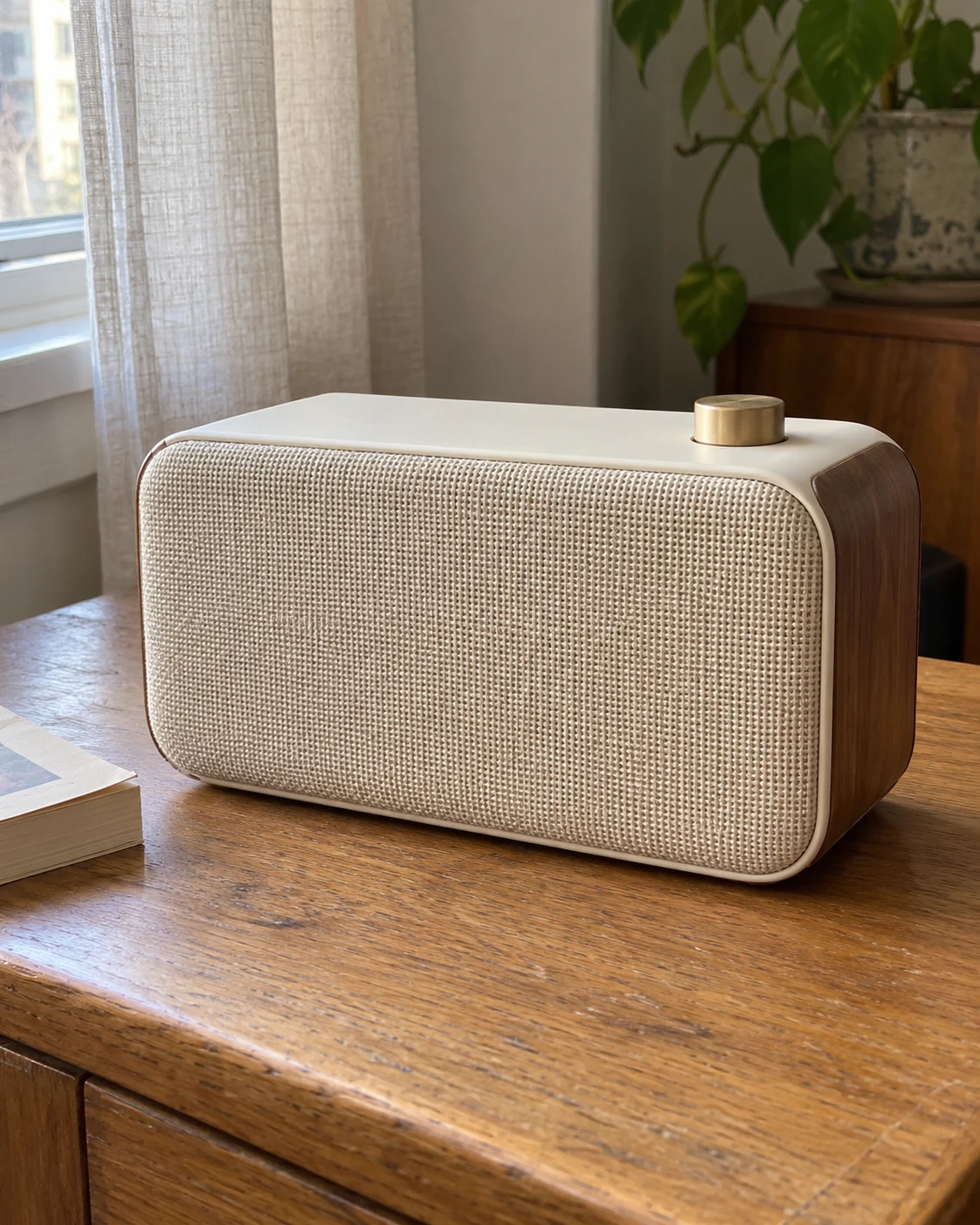
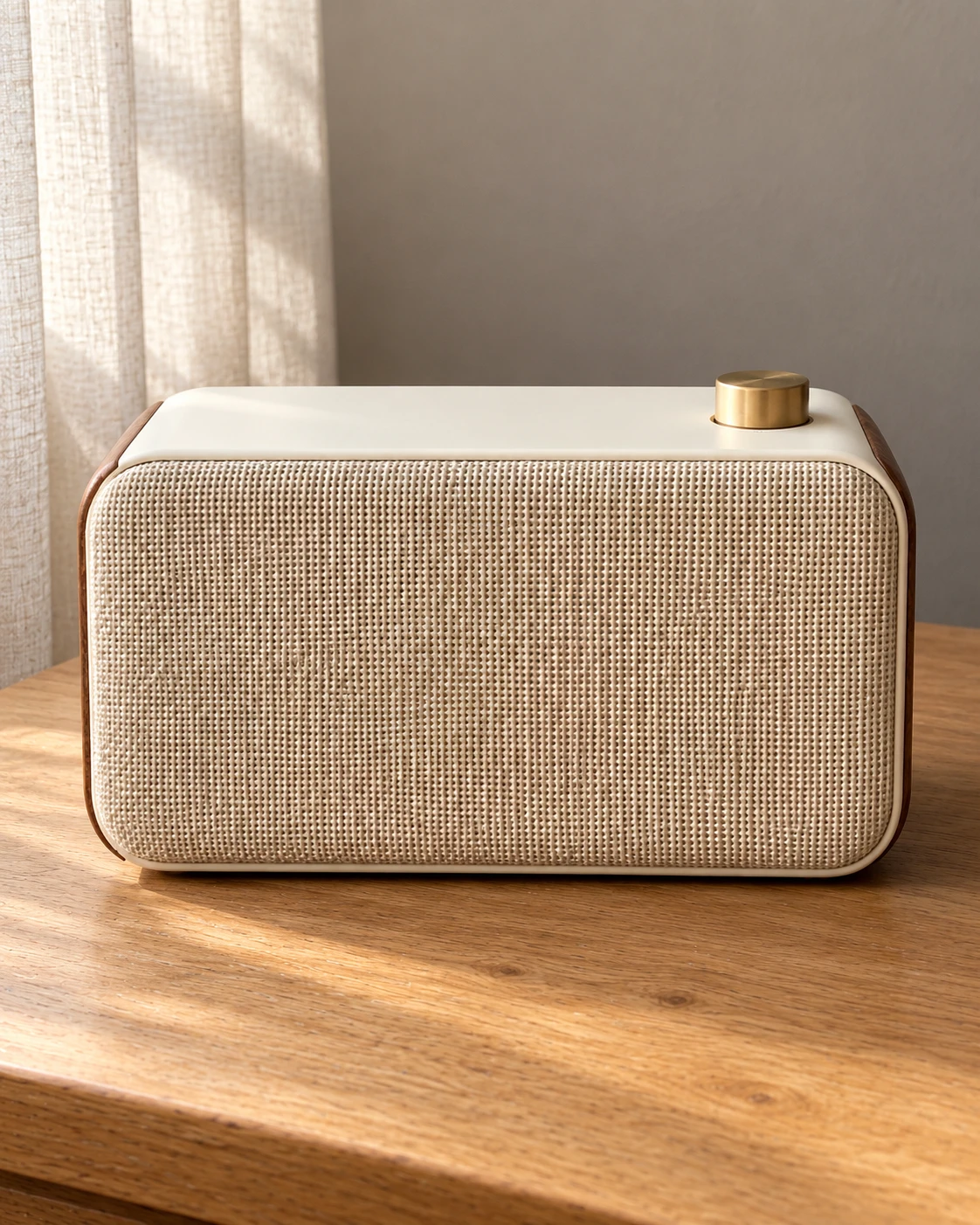
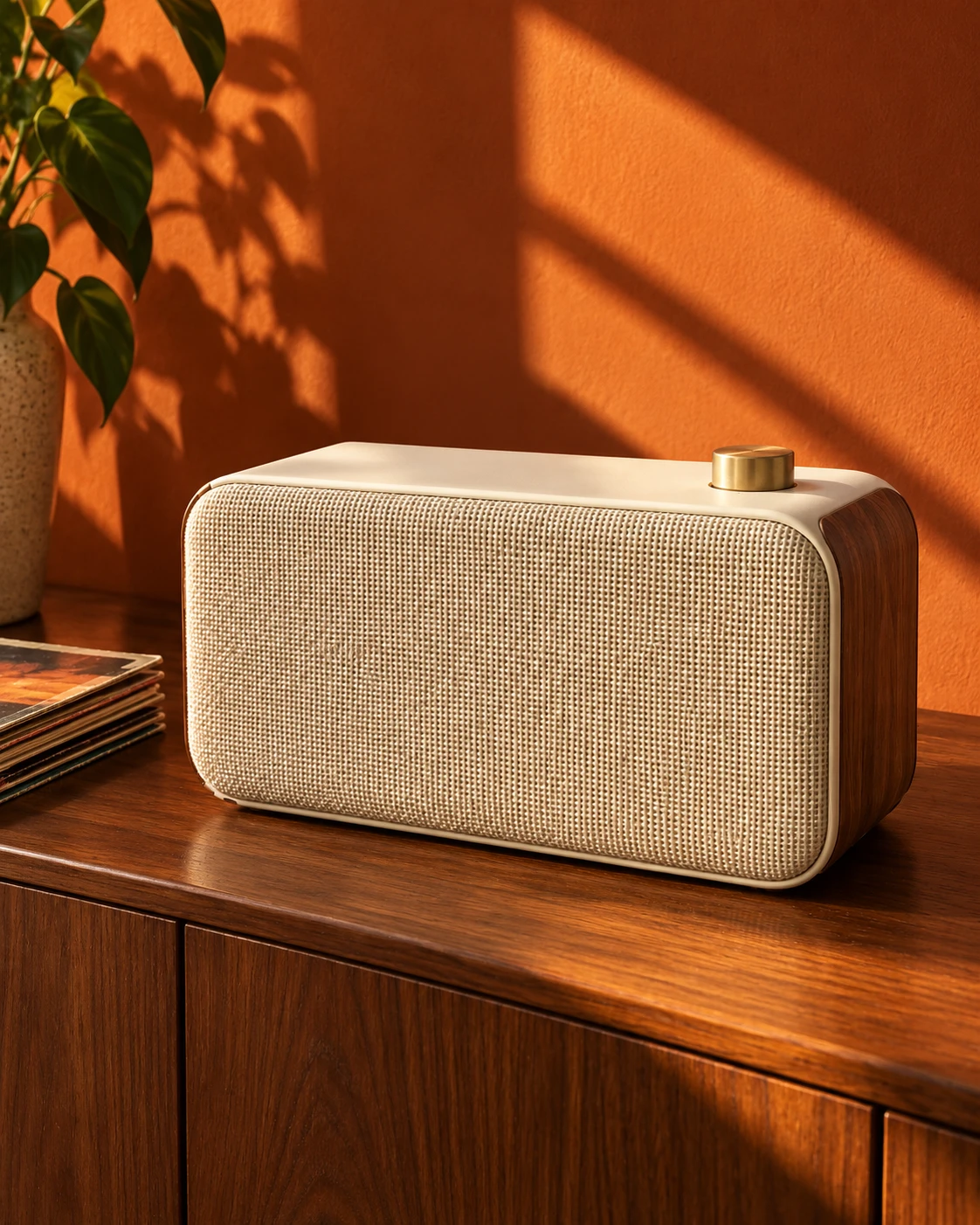

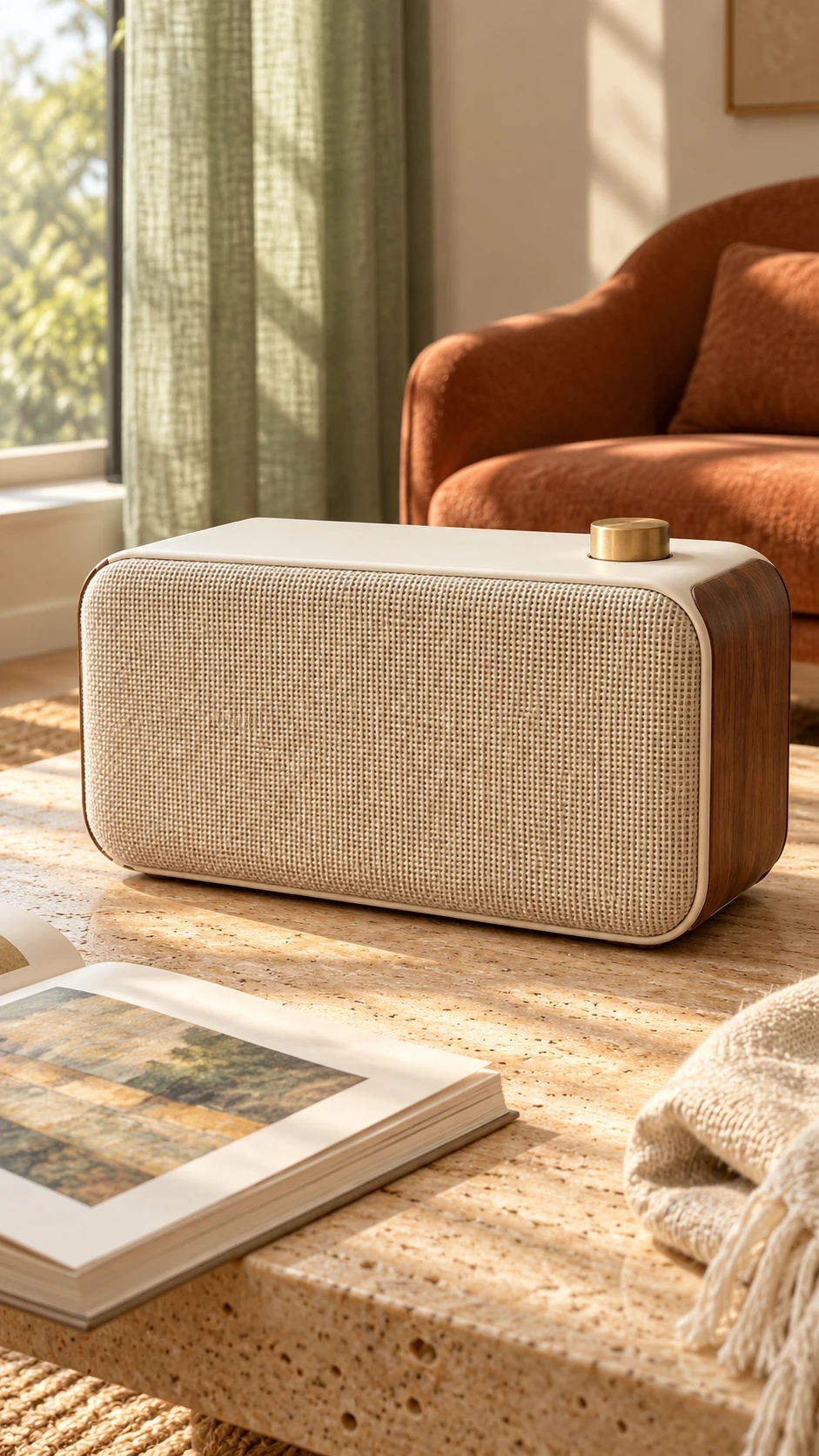
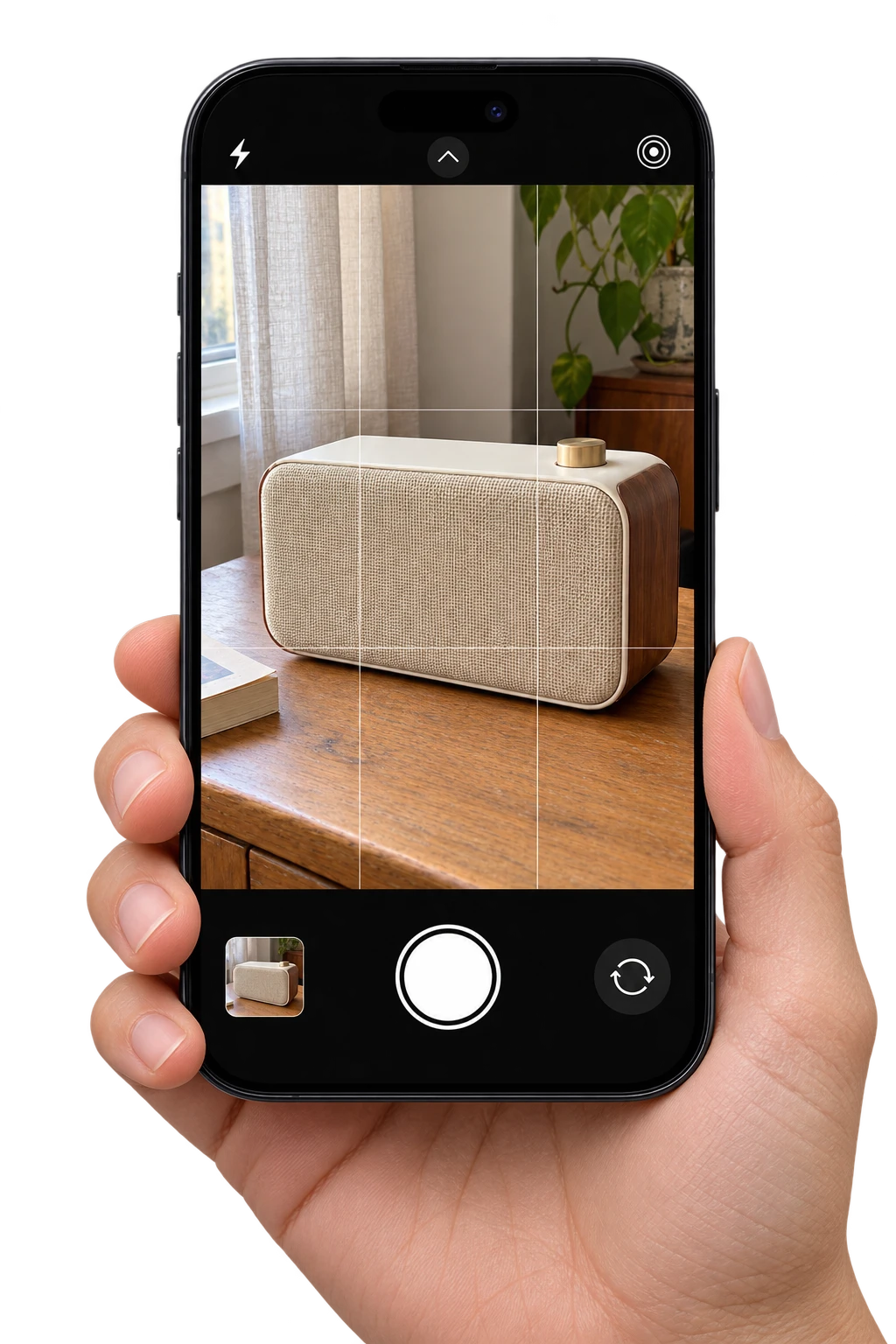
Illustrative creative directions · Start with your product photo and shape what comes next.
Explore Product StudioYour references and ideas.Connected on one canvas.
From the first sparkto your next creation.
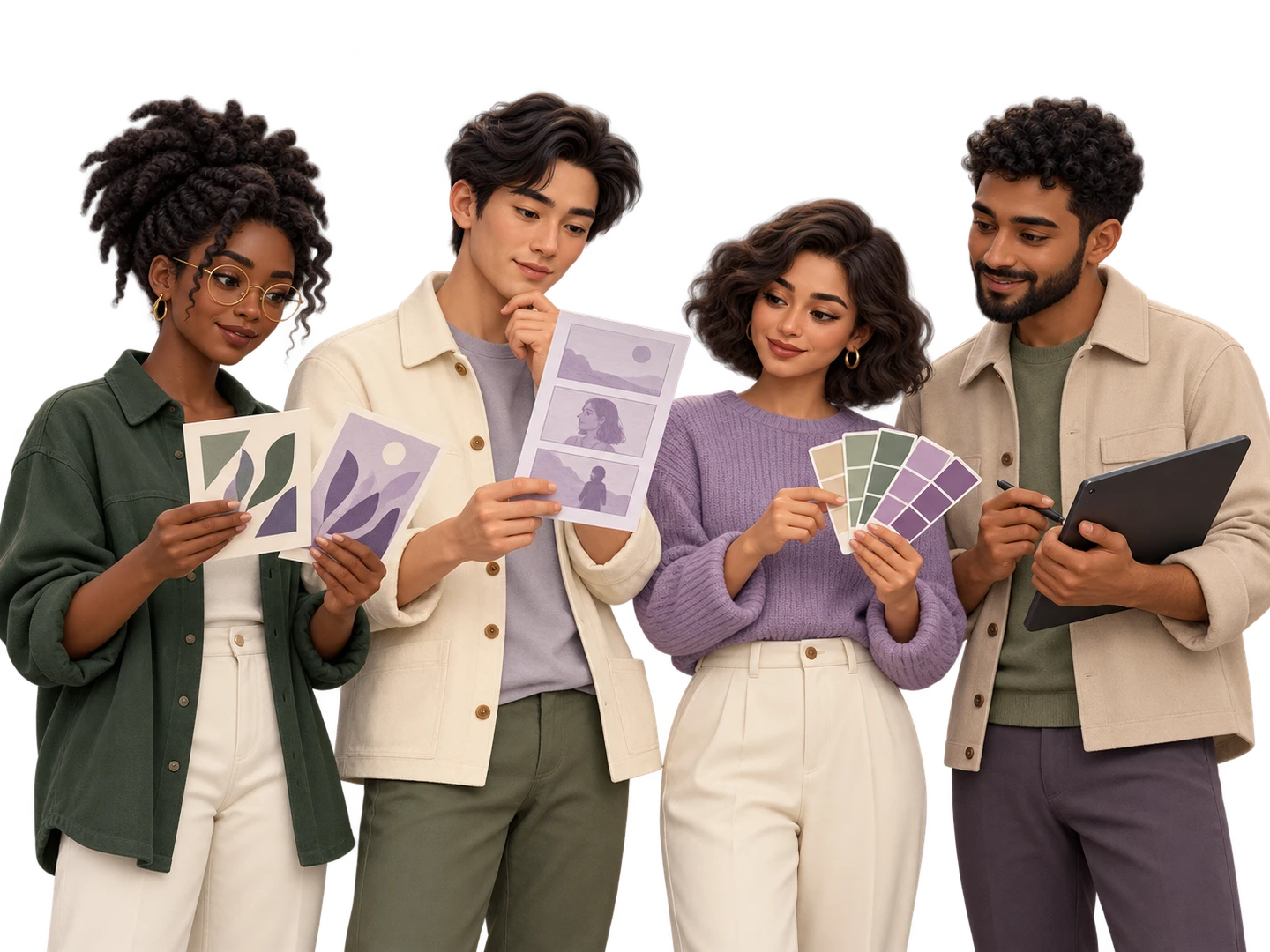
Scripts & prompts
Give your idea a direction.
Image references
Start with a look you love.
Reference videos
Find a moment to reimagine.
Product photos
Keep your product in focus.
Shot breakdowns
See each scene in context.
Image creation
Create from your prompt.
Video creation
Bring your next idea to life.
Illustrative creative workflow · Connect assets, scripts, and generation steps.
Explore the canvasYour creative tools.
All in one workspace.
Images & videoProduct creativeConnected workflows
- Image Studio
- Video Studio
- Product Studio
- Remix Studio
- Creative Canvas
- Asset Library
- Remove Background
- Replace Background
- Scene Reference
- Add Shadows
- Erase Objects
- Upscale Images
- Product Photos
- Image References
- Video References
- Text Prompts
- Image Uploads
- Video Uploads
- Creative Breakdown
- Shot Analysis
- Dialogue & Sound
- Storyboards
- Scripts
- Remake Prompts
- Text to Image
- Reference to Image
- Text to Video
- Image to Video
- Video Remix
- Image Editing
- Project Assets
- Image Preview
- Video Preview
- Result History
- Download Creations
- Continue Creating
How does it work?
Bring an idea. Shape the details. Make it yours.
1
Bring your idea
Start with a product photo, an image, a reference video, or just a few words. Choose what you want to create.
2
Set the direction
Describe the scene, mood, and details you have in mind. Choose your tool and format, then start creating.
3
Make it yours
Preview your images or videos, download the ones you love, and try a new direction whenever inspiration strikes.
Illustrative workflow · Your references, your direction, your creations.
Creative workflows,brought to life.
PRODUCTS · IMAGES · VIDEO
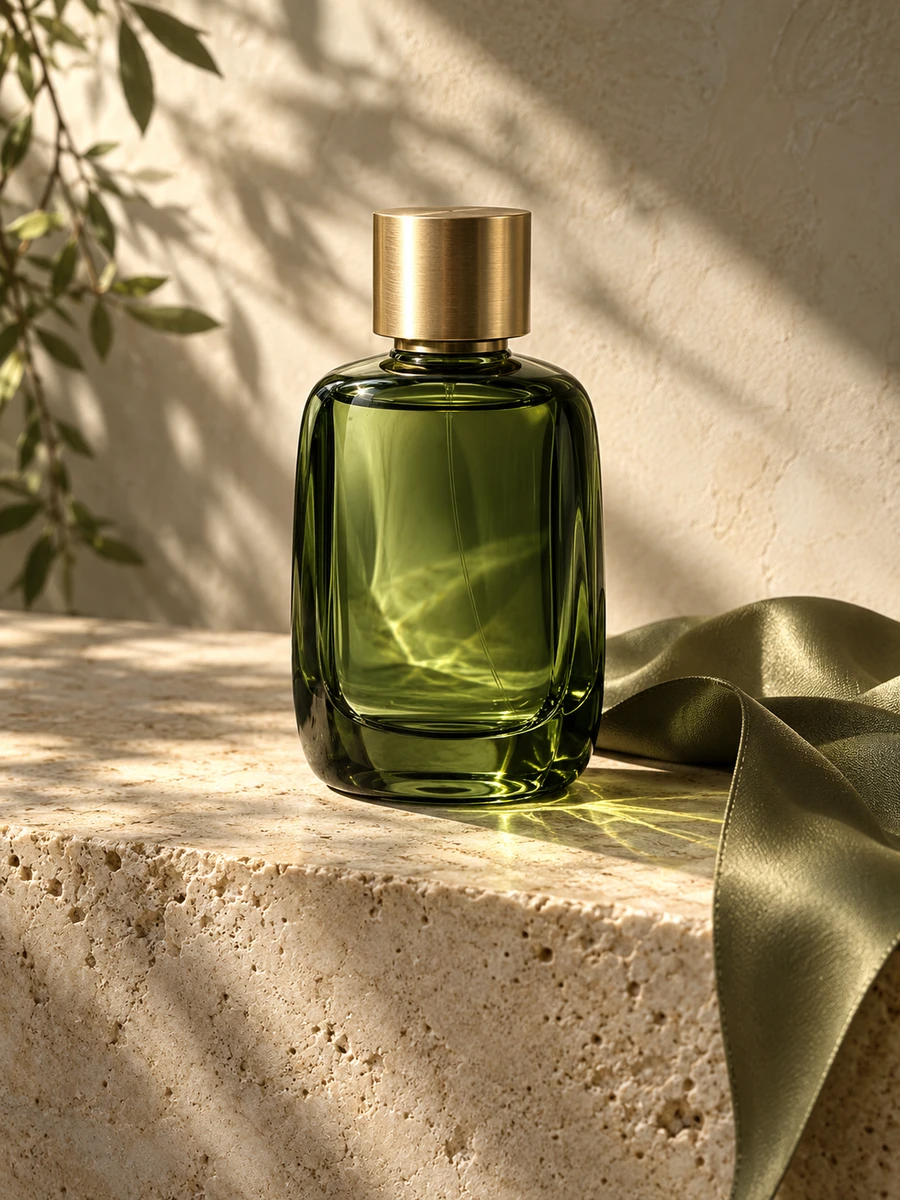
Product photography
Product StudioOne product.
A new setting.
Start with your product photo. Explore a new background, refine the details, and create a scene with your own point of view.
Open Product Studio
Image exploration
Image StudioExplore another
point of view.
Try a different mood, palette, or composition. Bring an image reference and a prompt to explore where your next idea could go.
Open Image Studio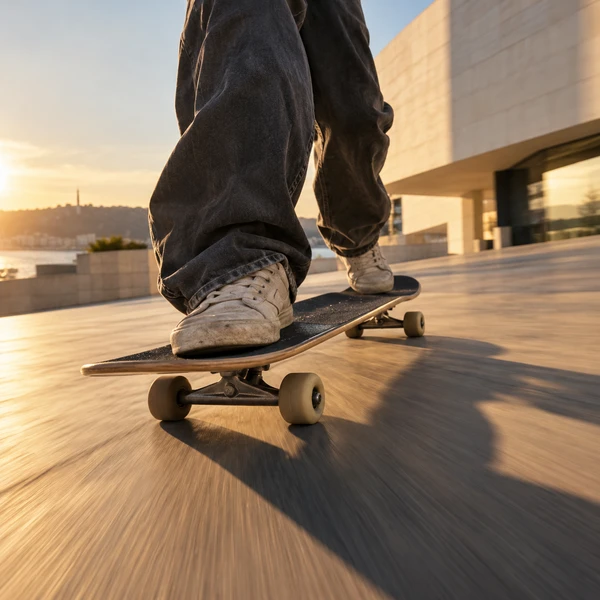
Video creation
Video StudioGive your idea
a little motion.
Start from words, an image, or a reference video. Shape a short clip, preview the result, and keep exploring your direction.
Open Video StudioIllustrative creative examples · Explore each studio to make your own.
Find your starting point.One workspace. Five ways to create.
| WHAT YOU WANT TO CREATE |  Product Studio | Image Studio | Video Studio | Remix Studio | Creative Canvas |
|---|---|---|---|---|---|
| Create images from text | No dedicated workflow | Dedicated workflow | No dedicated workflow | No dedicated workflow | Dedicated workflow |
| Use image references | Dedicated workflow | Dedicated workflow | Dedicated workflow | Dedicated workflow | Dedicated workflow |
| Remove a background | Dedicated workflow | No dedicated workflow | No dedicated workflow | No dedicated workflow | No dedicated workflow |
| Create product scenes | Dedicated workflow | No dedicated workflow | No dedicated workflow | No dedicated workflow | No dedicated workflow |
| Add product shadows | Dedicated workflow | No dedicated workflow | No dedicated workflow | No dedicated workflow | No dedicated workflow |
| Upscale product images | Dedicated workflow | No dedicated workflow | No dedicated workflow | No dedicated workflow | No dedicated workflow |
| Create video from text | No dedicated workflow | No dedicated workflow | Dedicated workflow | No dedicated workflow | Dedicated workflow |
| Turn an image into video | No dedicated workflow | No dedicated workflow | Dedicated workflow | No dedicated workflow | Dedicated workflow |
| Remake a reference video | No dedicated workflow | No dedicated workflow | No dedicated workflow | Dedicated workflow | No dedicated workflow |
| Analyze shots & scripts | No dedicated workflow | No dedicated workflow | No dedicated workflow | No dedicated workflow | Dedicated workflow |
| Connect a creative workflow | No dedicated workflow | No dedicated workflow | No dedicated workflow | No dedicated workflow | Dedicated workflow |
| Preview & download results | Dedicated workflow | Dedicated workflow | Dedicated workflow | Dedicated workflow | Dedicated workflow |
| Open studio | Open studio | Open studio | Open studio | Open studio |
THE CREATIVE FIELD NOTES
A little direction.
A better next idea.
TrendRemix is an AI creative workspace for images, videos, product scenes, and reference remixes. Find the right tool, bring your own material, and shape what comes next.
Explore the guides015 MIN READ
PRODUCT PHOTOGRAPHY
How to create a new background for a product photo
A practical product-image workflow: prepare the source, choose a cutout or generated scene, write the brief, and check the finished image.
Read the guide024 MIN READ
IMAGE TO VIDEO
How to turn a still image into a video
Build a focused motion brief for image-to-video: choose a frame, describe the movement, and review continuity before downloading.
Read the guide036 MIN READ
VIDEO REMIX
How to write a brief for a reference-video remix
Decide what to keep and what to change, prepare optional product references, and review your new video against a clear brief.
Read the guideWhat would you like to make?
Find your workflowFrequently asked questions
A few things to know,
from your first prompt to your next creation.
Start with one idea.
A prompt. A photo. A reference. Choose your starting point and make it yours.
Start creating
Create images and videos, reimagine product photos, or make a new version of a reference video. Use individual studios for a focused task, or connect your references, scripts, and generation steps on the Creative Canvas. Find the right studio.
Start with a text prompt, a clear product photo, an image reference, or a reference video. Choose a studio, add your materials, and describe what you want to create. You can start with a few words and add more detail as you go. Read the getting-started guides.
Upload a reference video, describe what you want to change, and optionally add product or reference images. Choose your output settings, then create a new video based on your direction. Explore Remix Studio. How to write a remix brief.
Product Studio includes tools for removing backgrounds, creating new scenes, adding shadows, editing details, and upscaling images. Start with a clear photo, choose an available tool, and preview the result. Open Product Studio. Plan a new product scene.
TrendRemix uses credits for generation and editing tasks. Usage depends on the model, tool, and settings you choose. Visit Pricing to see the current credit packages.
Preview and download your creations in the studio you used. You can also revisit saved image and video generations in Result history, and keep reusable files in your Asset library.
A little inspiration.A whole new direction.
Explore product scenes, portraits, and campaign ideas. Bring your own reference and shape a look that feels like you.
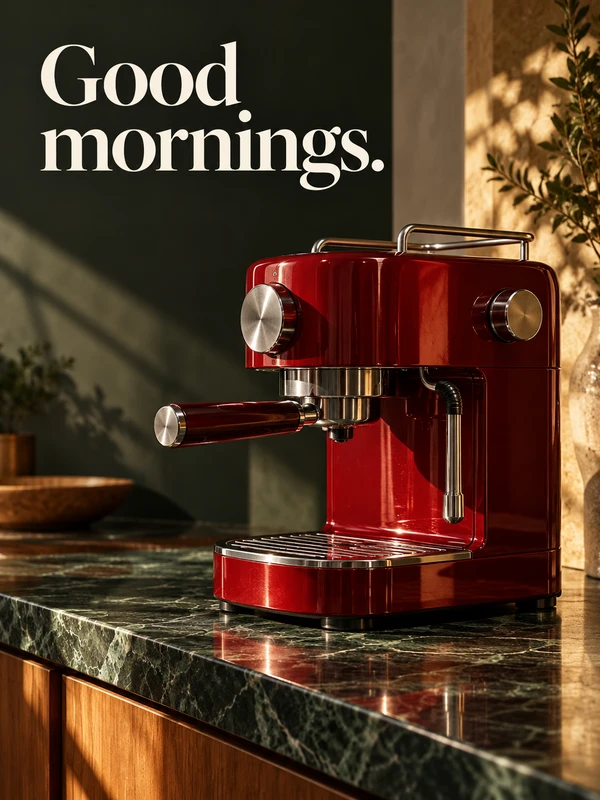
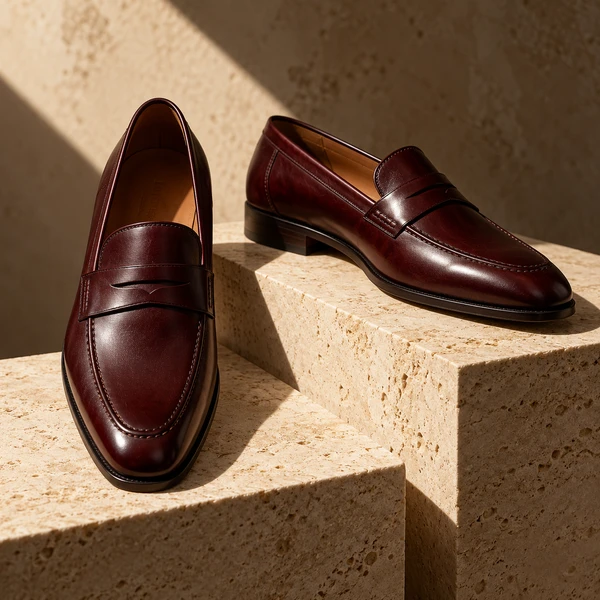


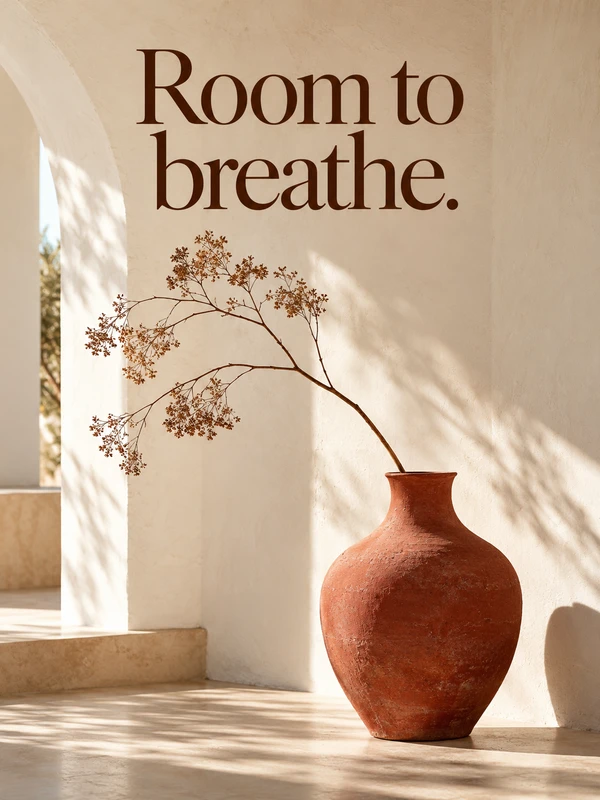

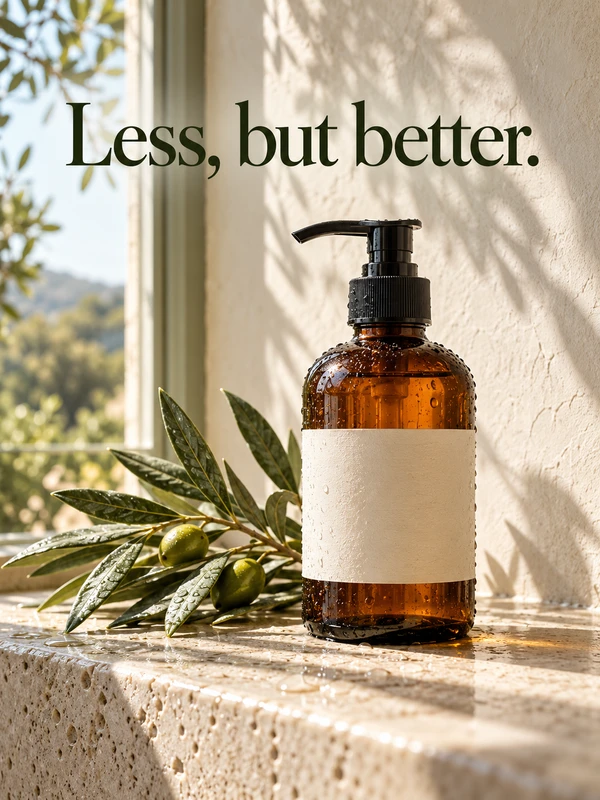
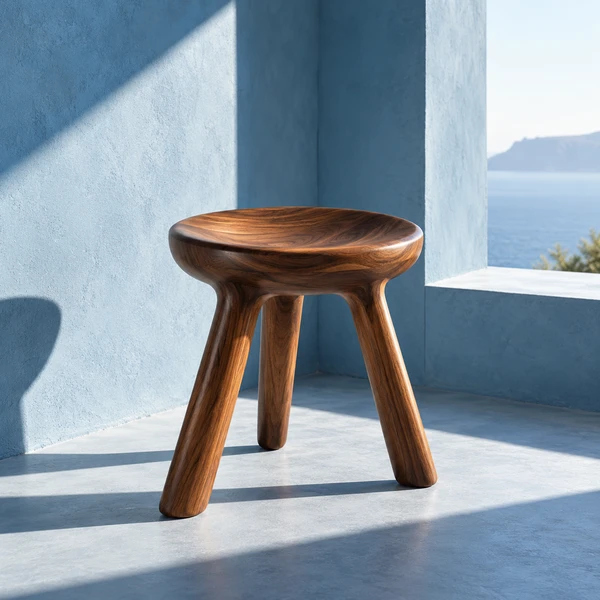
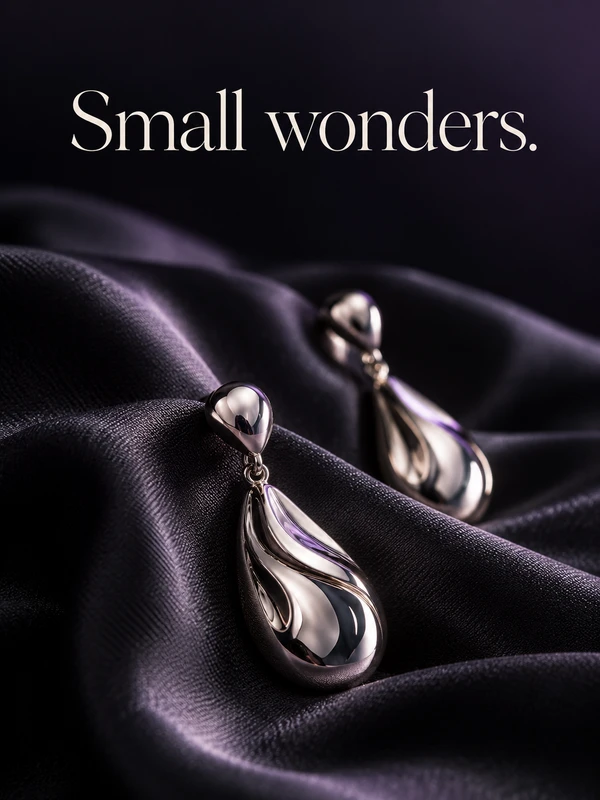

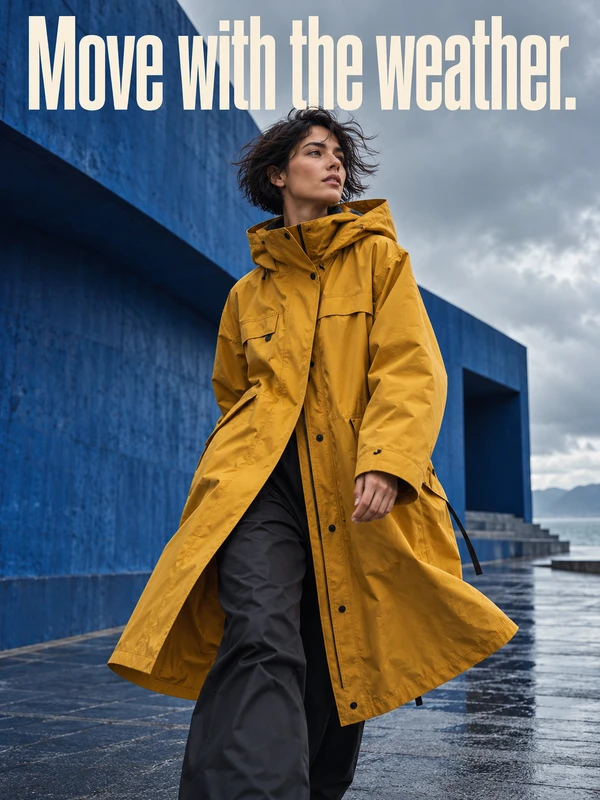
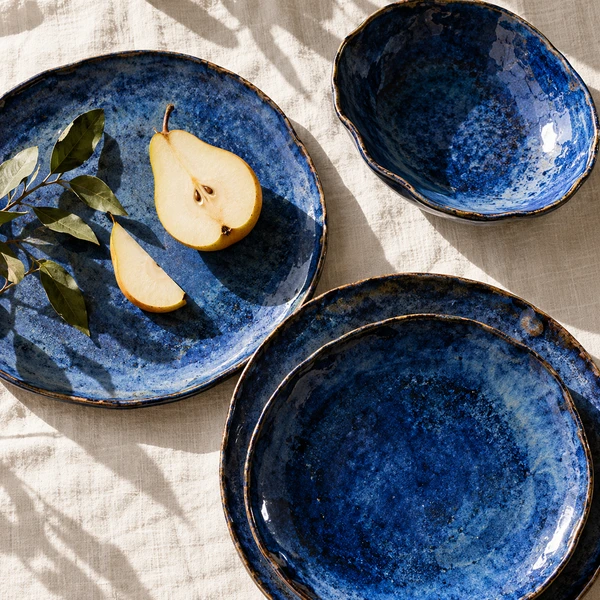
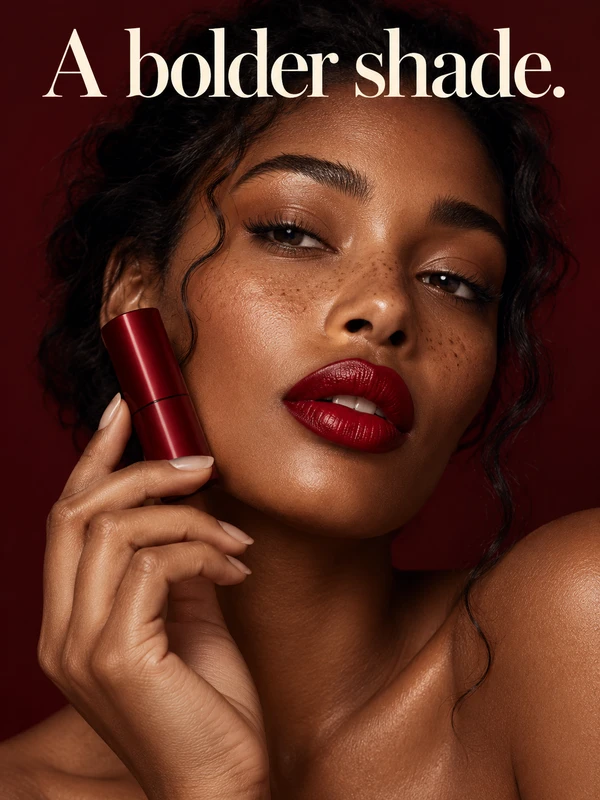
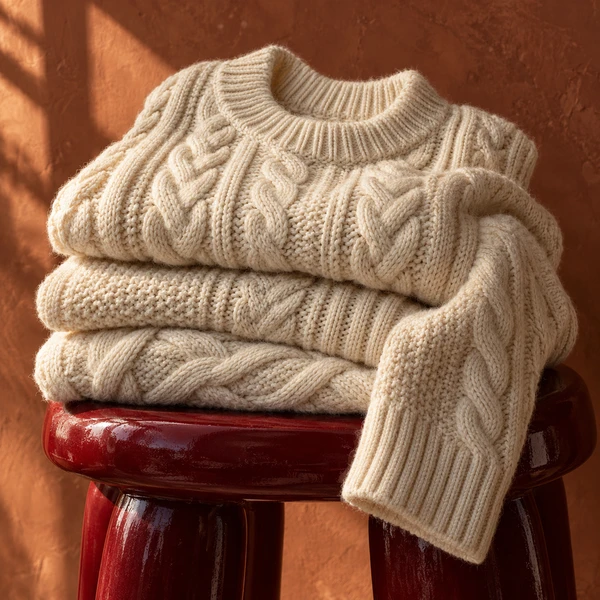

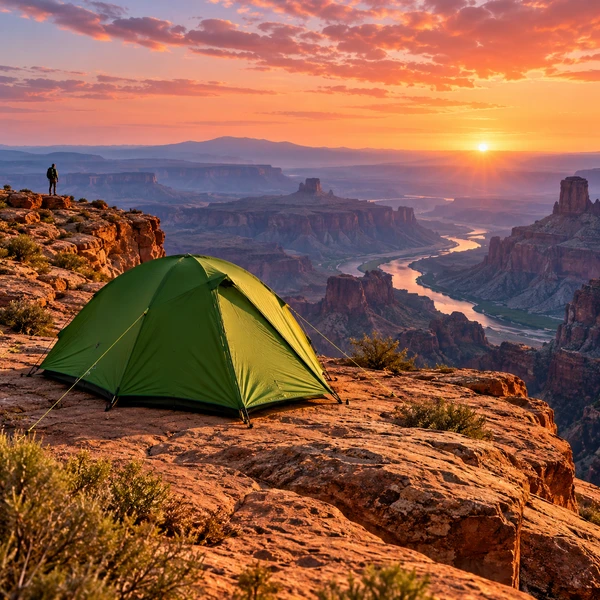

Original creative studies · Images shown for inspiration.
Your next idea,brought to life.
Start with a reference, a product photo, or a few words. Create images and videos in your own creative workspace.
Open the studioImages · Video · Product scenes · Remix